
Replace document allows you to replace an existing document with a new one from the local file.
Exercise caution when replacing documents. This action occurs immediately and the original document is lost. This cannot be undone once completed.
To Replace Document
-
Select a document from the results grid that is to be replaced. Only one document at a time can be replaced.
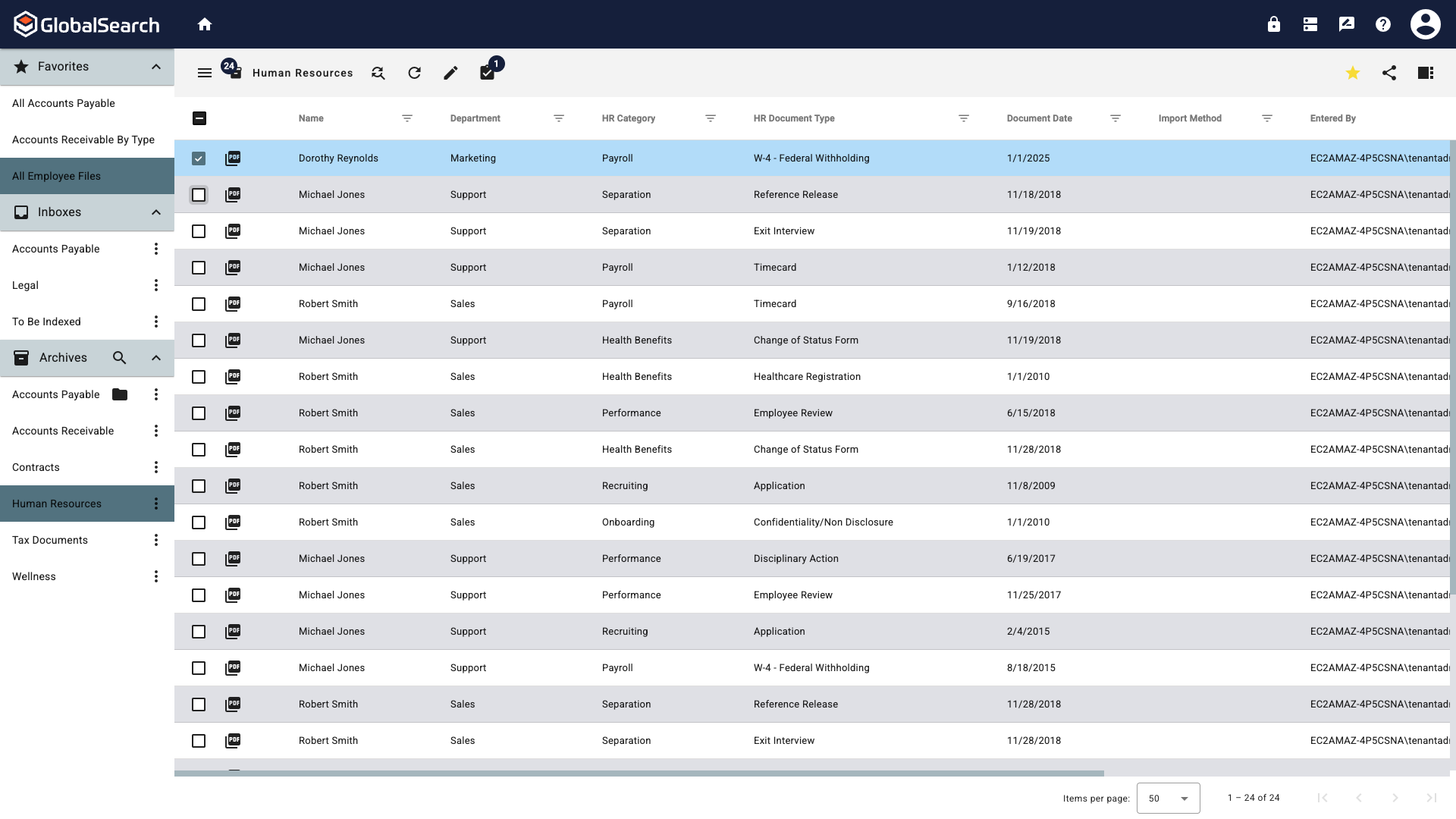
-
From the Actions (
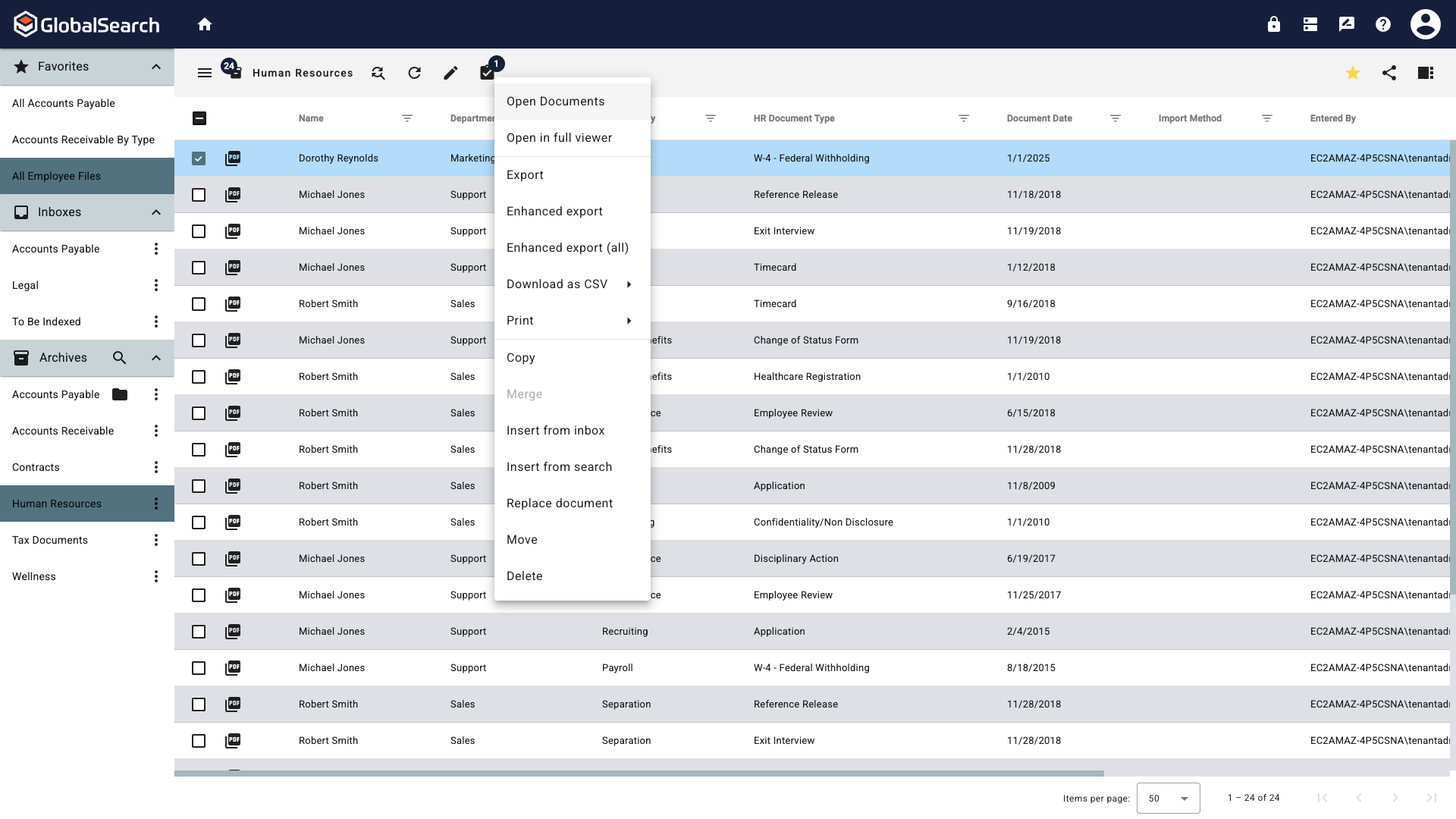
-
You will be warned this replacement is permenant. Click Cancel to return to the search results view or click Replace Document to continue.

-
Navigate to and select the file to use as the replacment. This is your last chance to quit and preserve the existing document by clicking Cancel. To replace the document and make the action final, click Open.