Removing documents from GlobalSearch is an important part of any document retention strategy. Maintaining the documents for only as long as required helps maintain compliance, reduce risk, and improves efficiency in getting to the right document.
Deleting documents from GlobalSearch can be done manually or using a GlobalAction workflow.
To delete a document, you must first have Delete permissions to the Archive.
Possible Data Loss
If you delete a document in GlobalSearch, it will be deleted permanently. Your original document files will be deleted, as well as all indexing data. Delete documents with care. Note that deleting a document will not delete the versions of that document for Archives with Versioning enabled.
Delete from the Search Results View
-
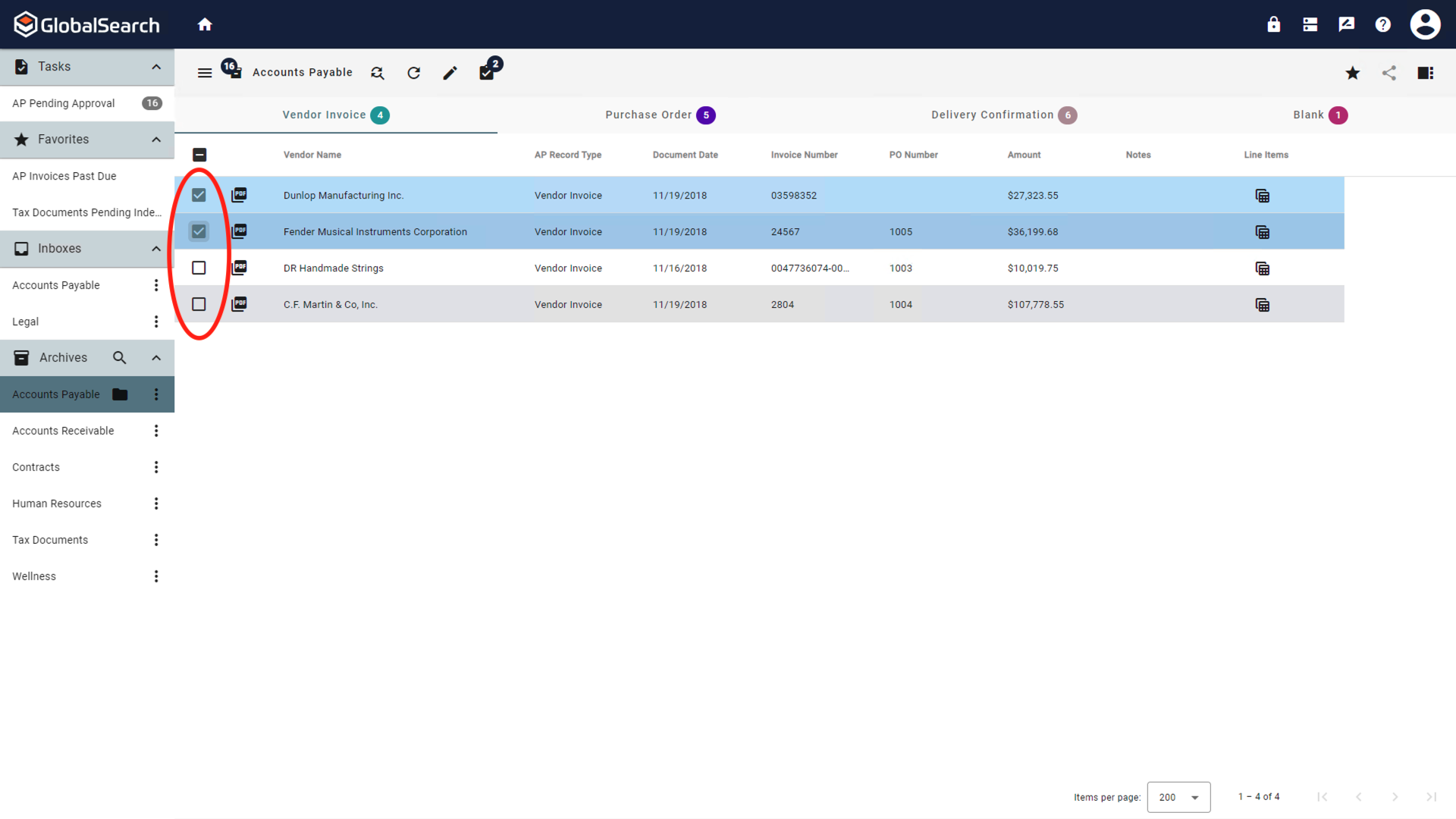
Select one or more documents from the Search Results Grid.
-
From the Actions (

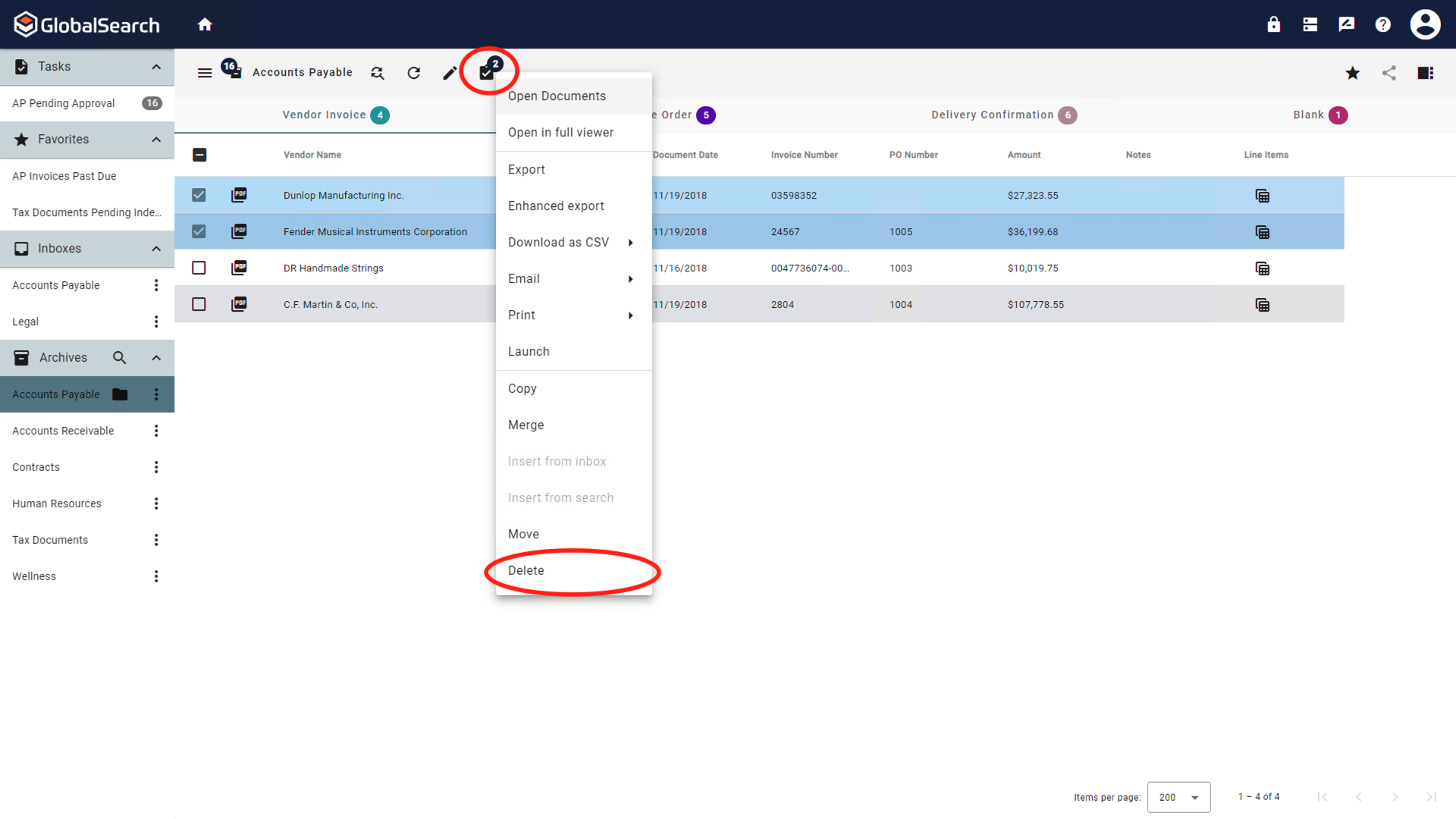
-
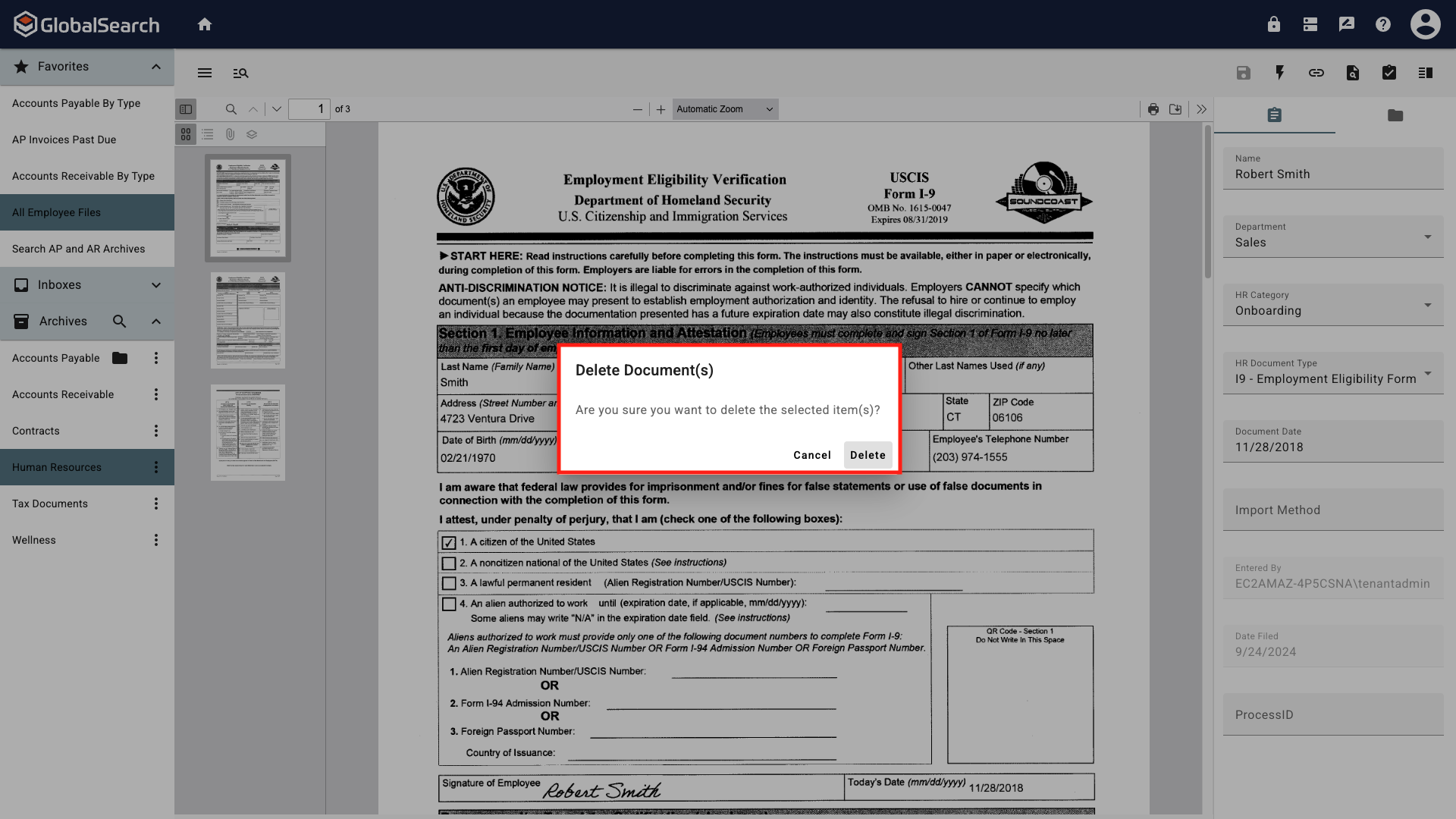
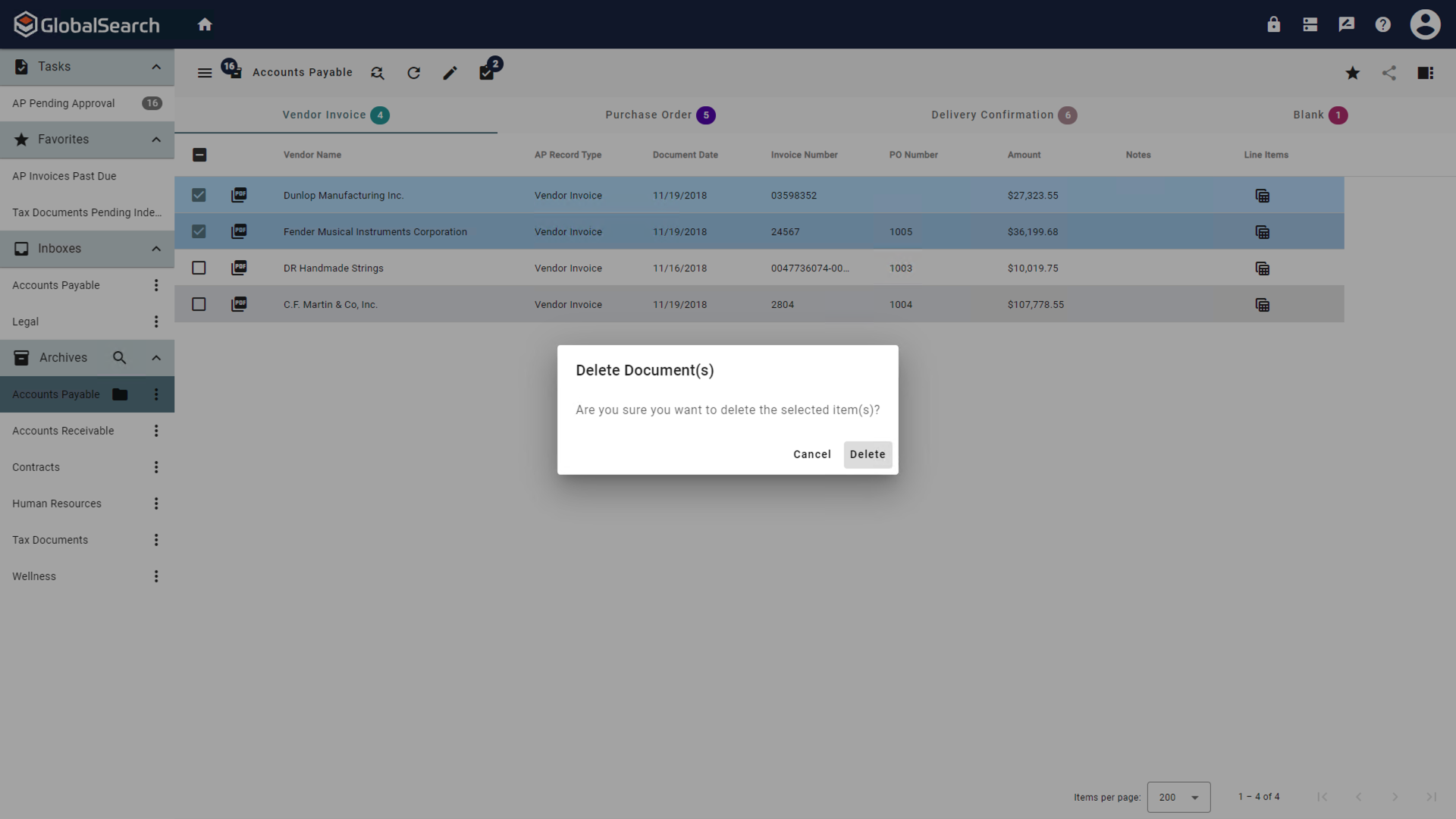
This will permanently delete the document. At the prompt click Delete to confirm the deletion or click Cancel to abandon the delete action and retain the document.
Delete from the Document Viewer
-
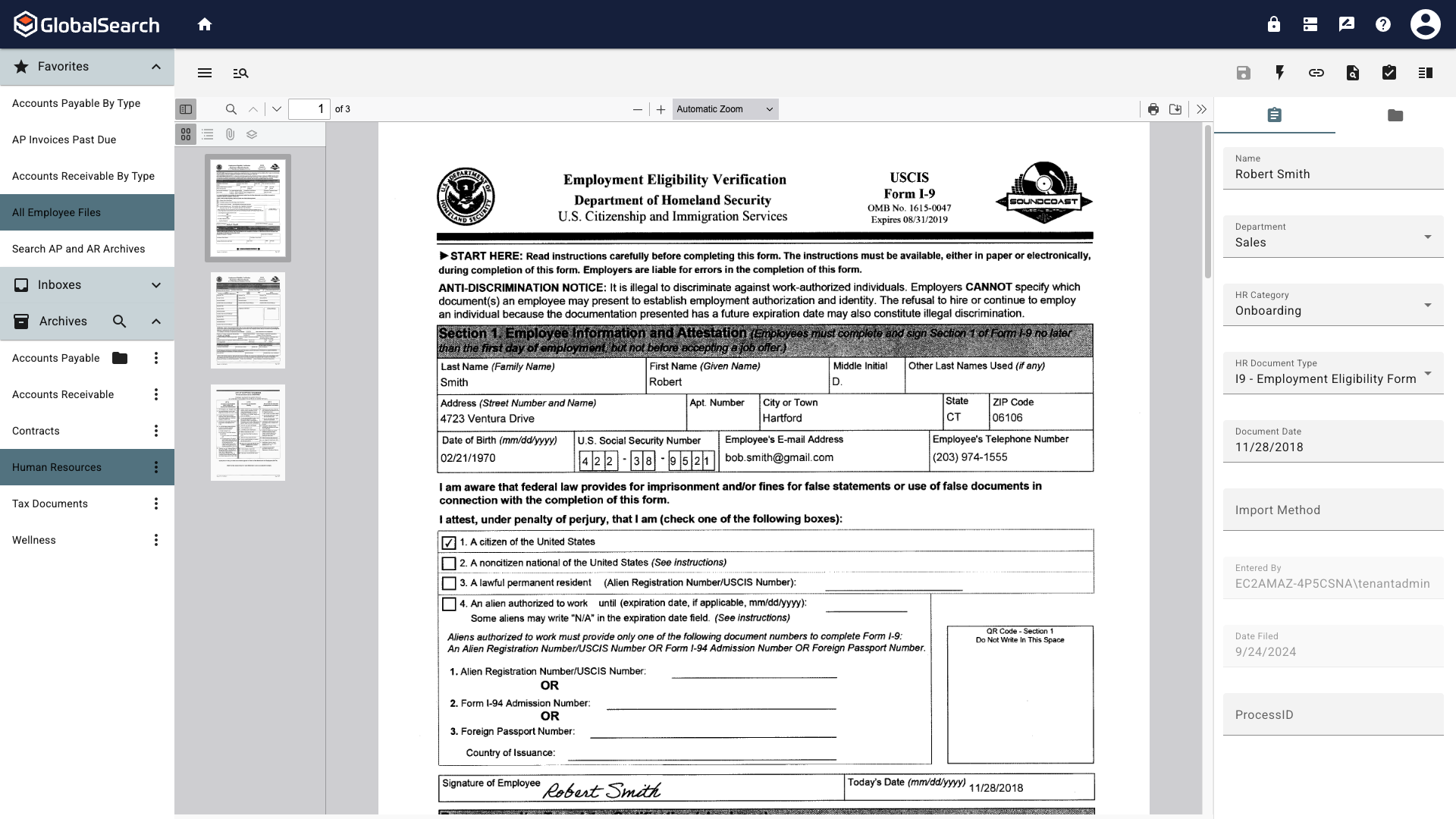
Open the document in the Document Viewer.
-
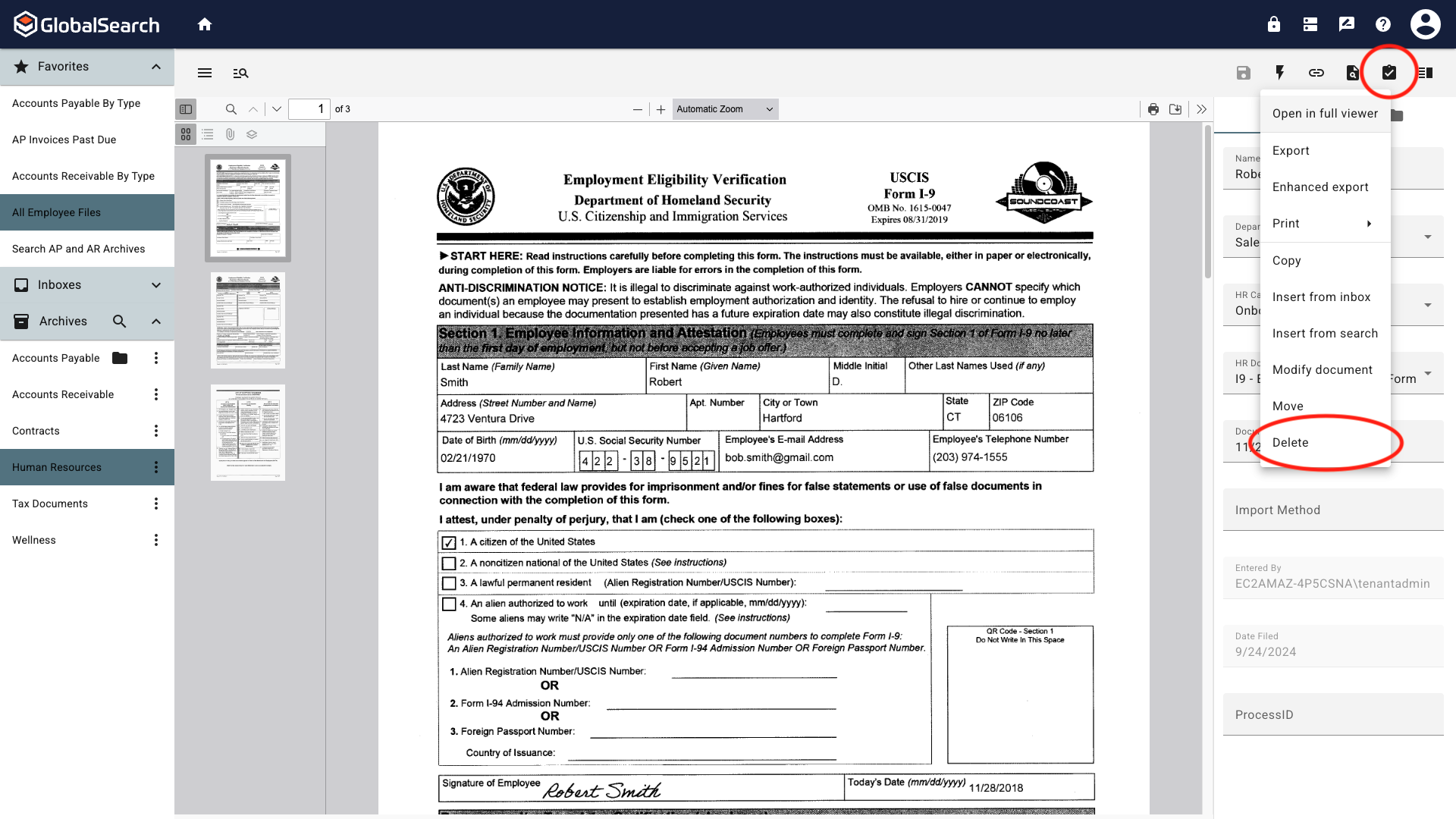
From the Actions (
-
This will permanently delete the document. At the prompt click Delete to confirm the deletion or click Cancel to abandon the delete action and retain the document.