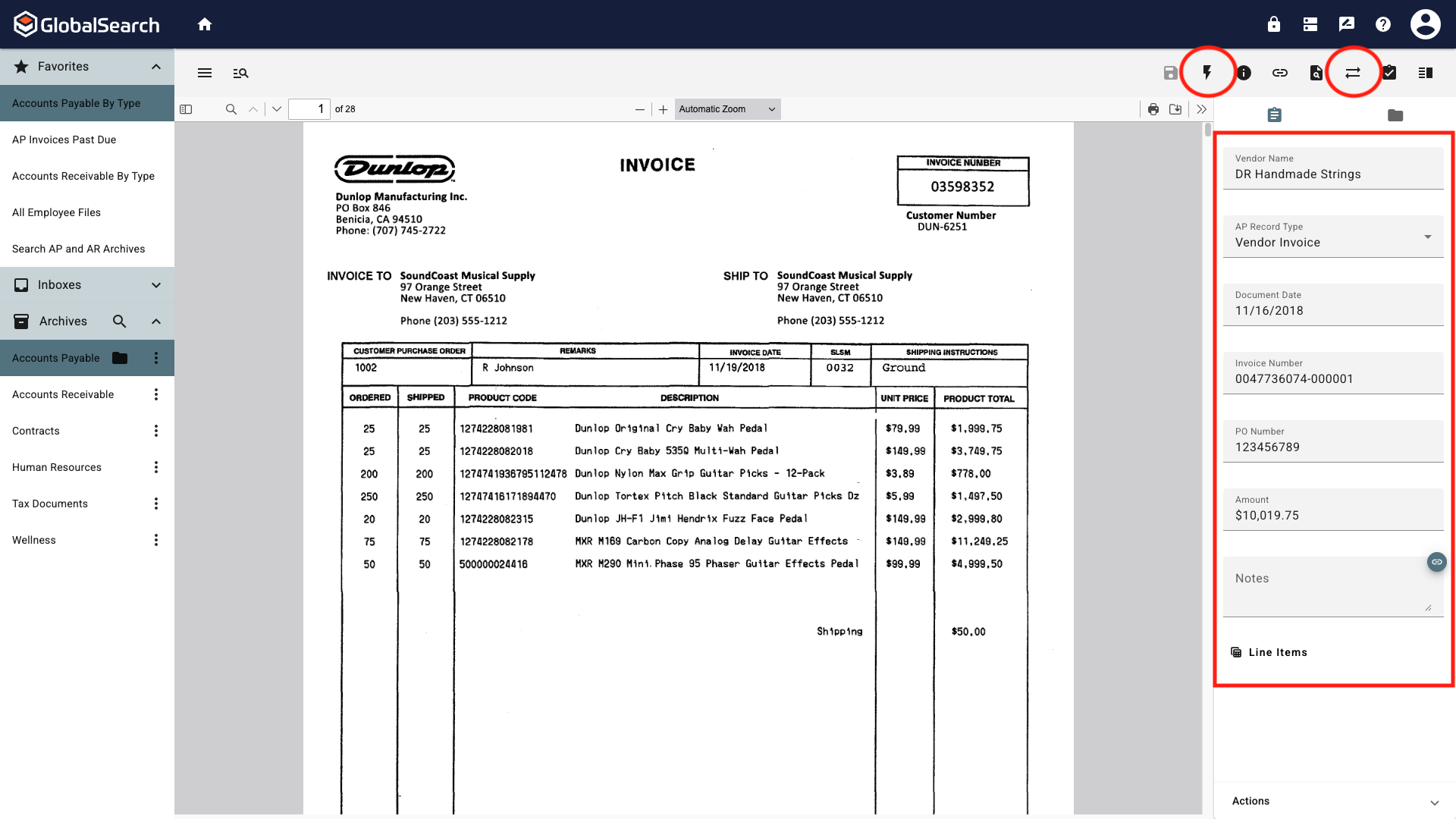
Document data can be edited in the Search Results View by click the Toggle Edit Mode ( 
The ability to edit index field data requires Modify Data permissions. If the document is moving through a workflow or in a workflow Queue to which you are not secured, editing index data will no be permitted even if allowed otherwise.
Search Results View
Updating data in the Search Results Grid is limited to manual data entry. To update data from the Search Results Grid:
-
Run a search to return the desired results.
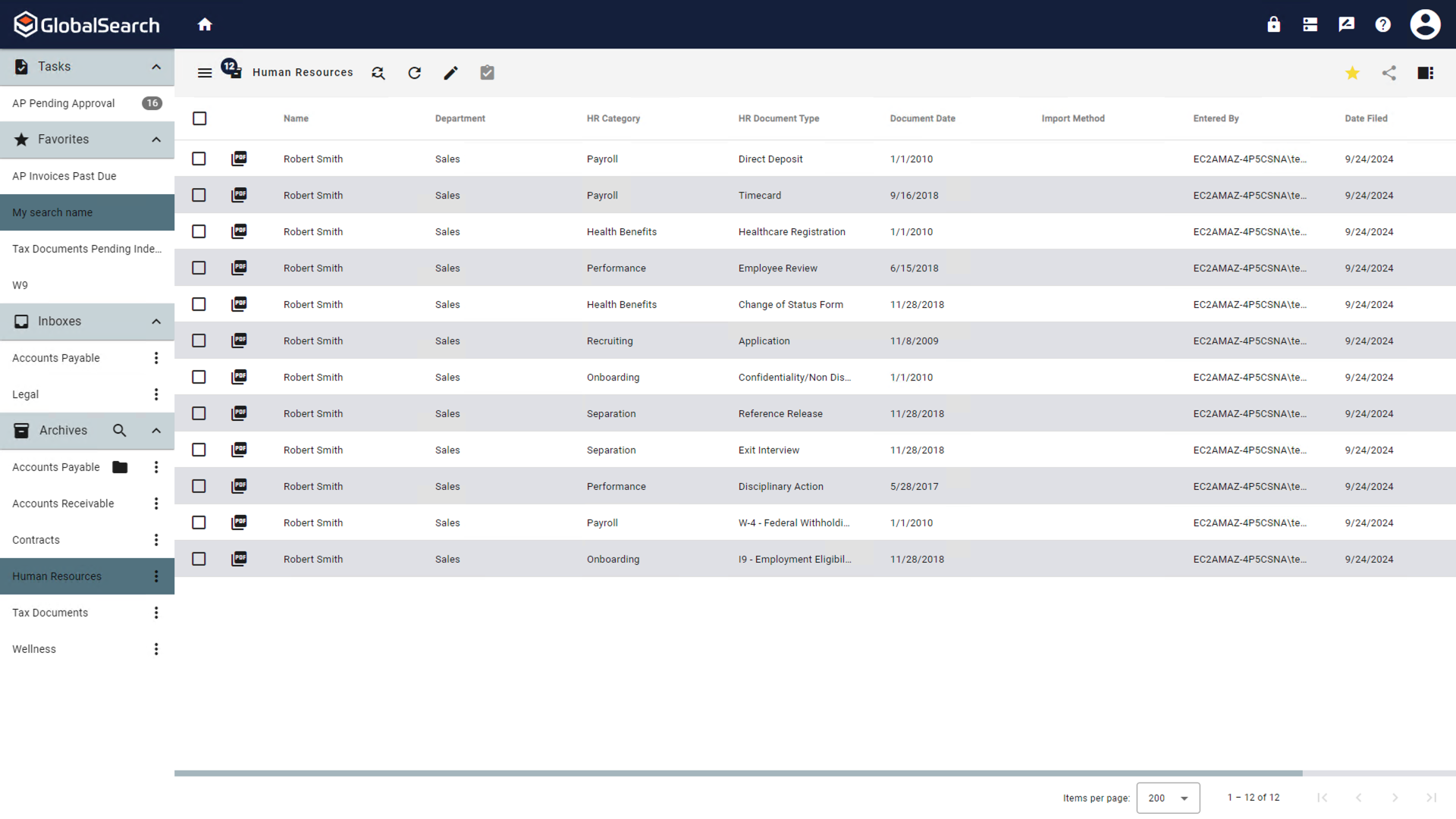
-
Select the Toggle Edit Mode (
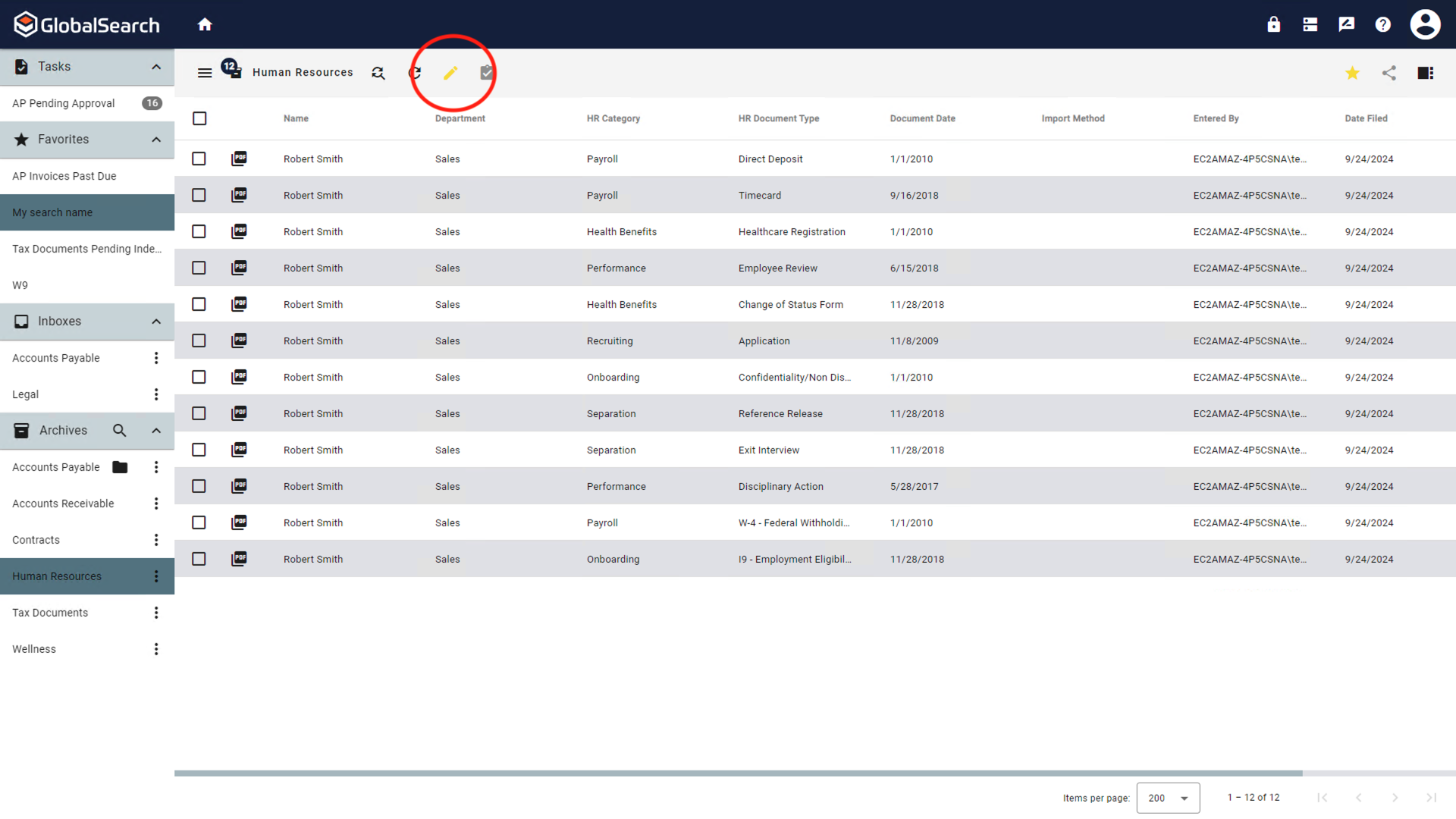
-
Select the row of data to edit. If the field is a dropdown list, the list of available options will be displayed.
System fields cannot be edited.
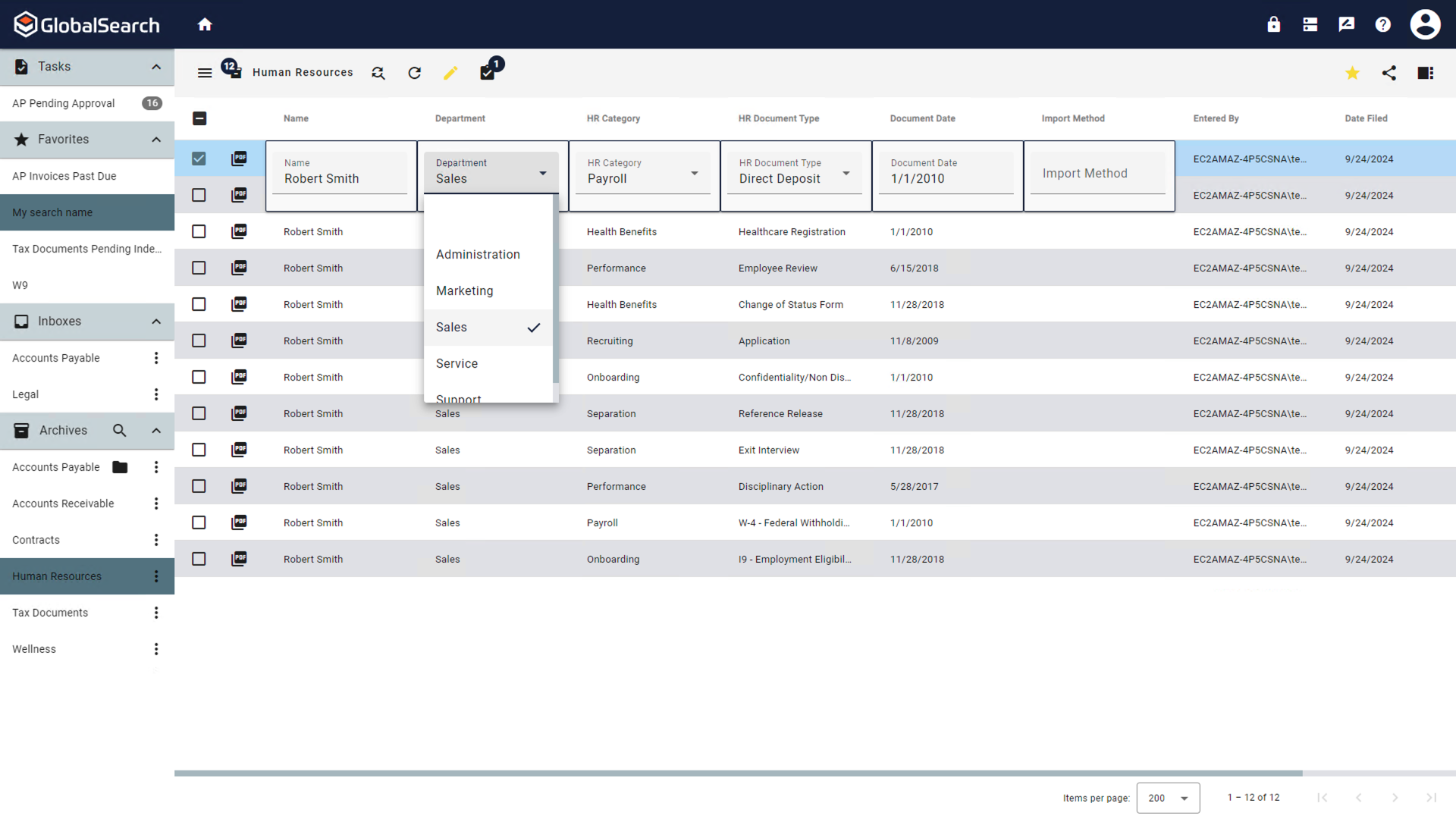
a. For Table Fields, select the the Table Field ( 
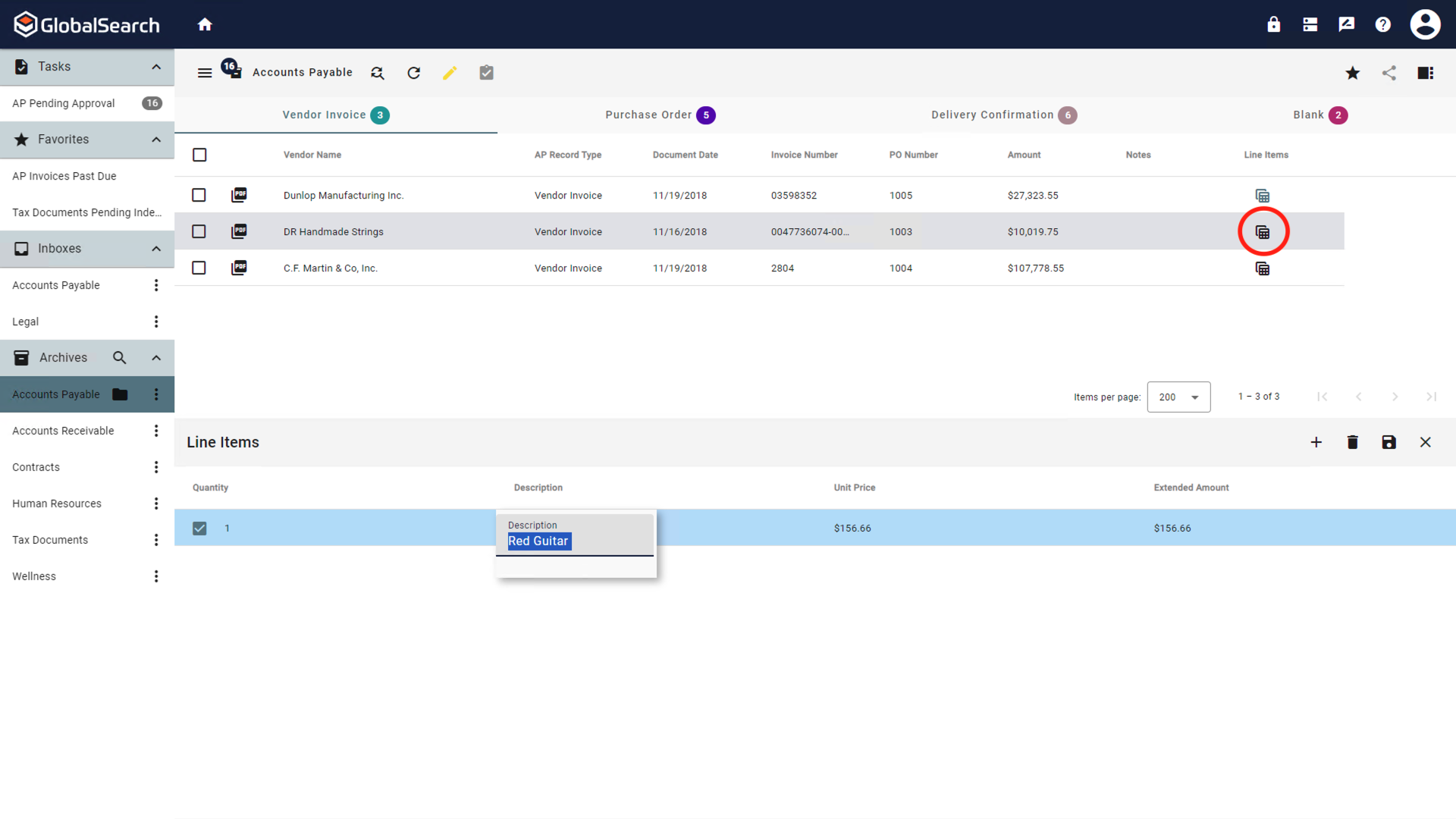
-
When finished edited, click the Toggle Edit Mode (
Document Viewer
Updating data in the Document Viewer can be done manually or by using additional tools such as KeyFree Indexing or Data XChange.