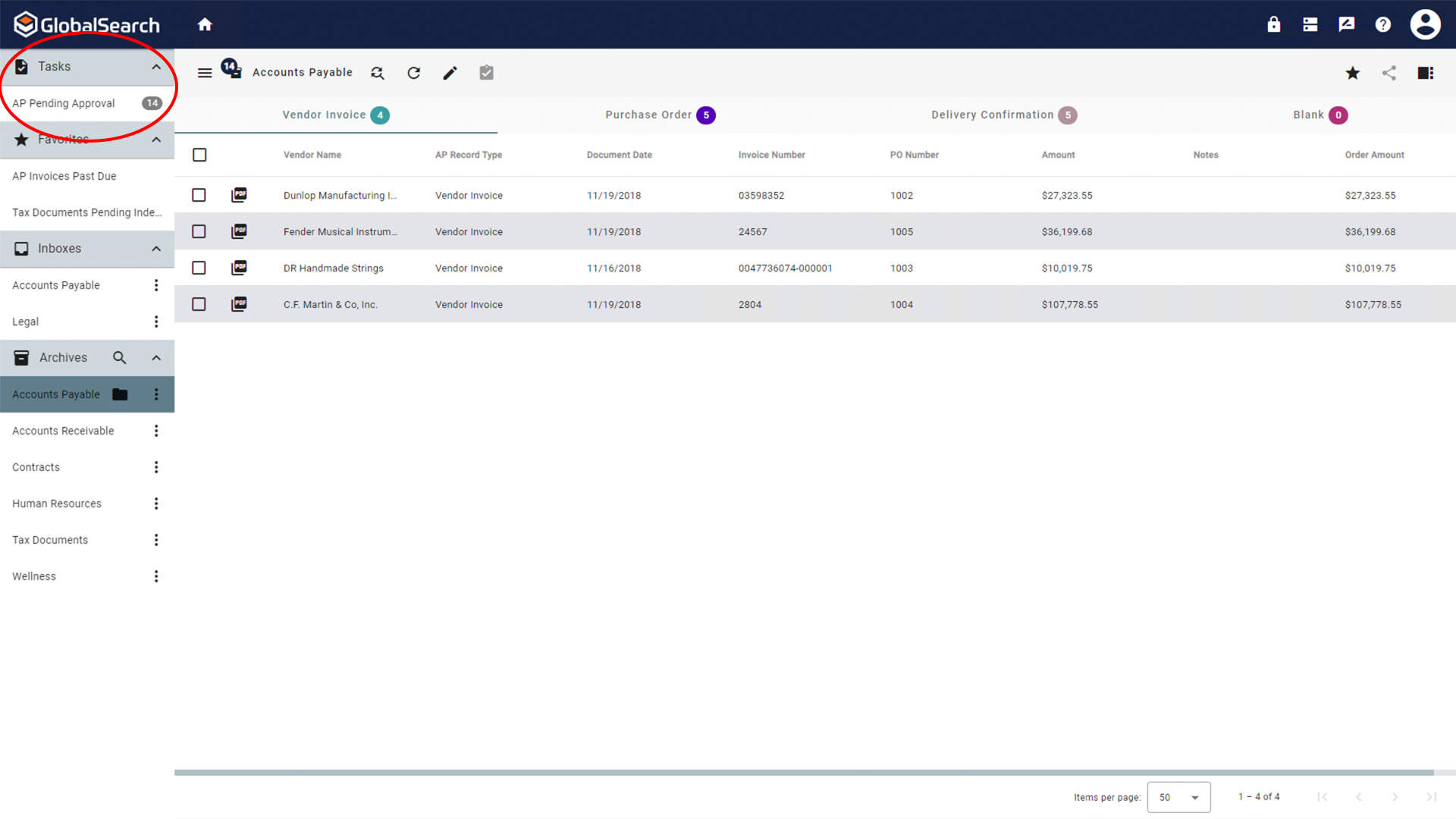
The Tasks pane is available when GlobalAction Tasks have been enabled in User Settings and one or more Available Tasks has been enabled. Tasks provide quick access to documents in GlobalAction workflows that are awaiting user interaction. You can open individual documents from the list of documents awaiting action or select multiple documents and use the Actions menu to select an available action from the list to apply to all selected documents.
Taking Action Using GlobalAction Tasks
-
Select a task from the list of available tasks to find any documents currently awaiting action.
Taking Action from the Search Results View
-
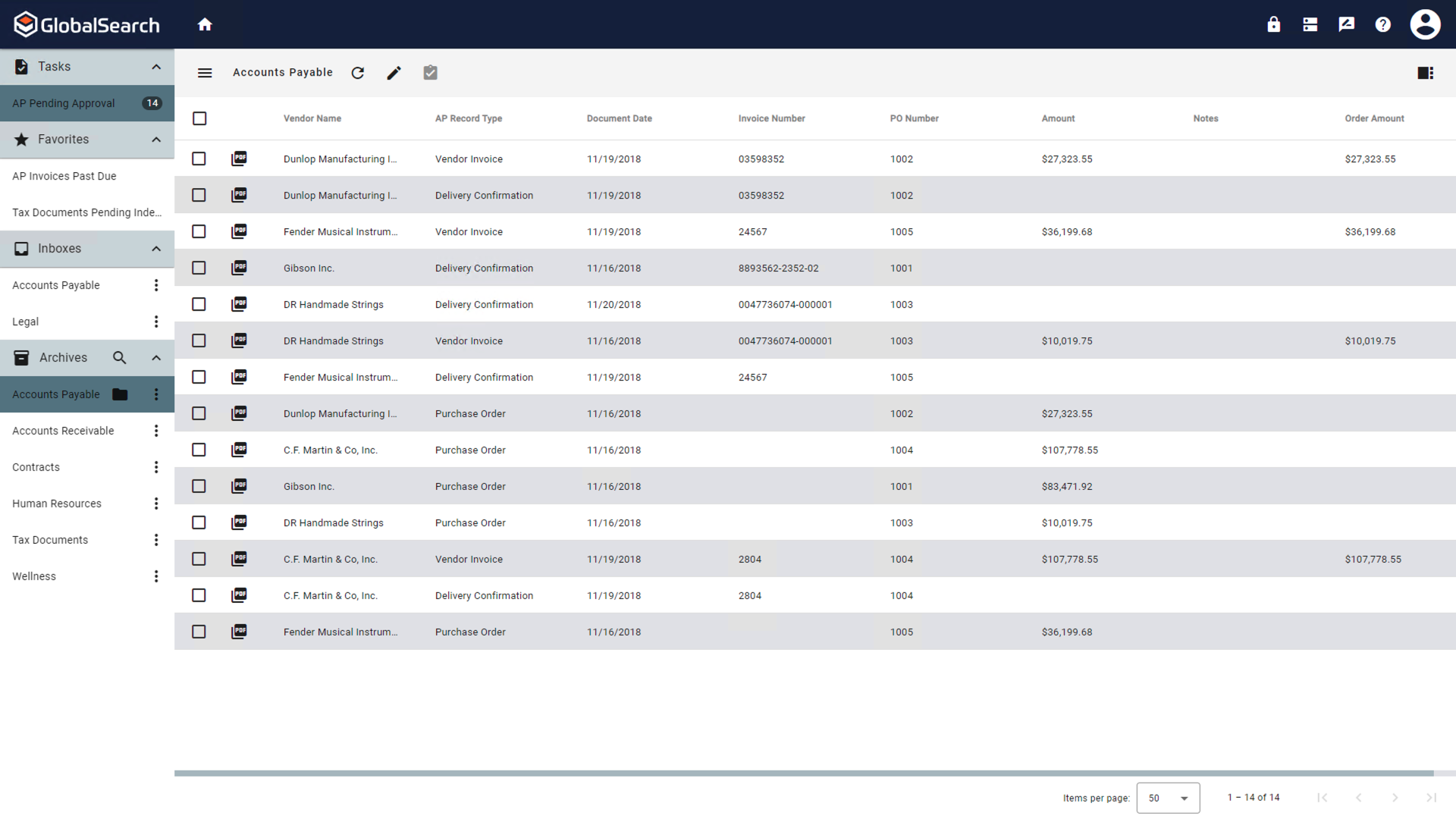
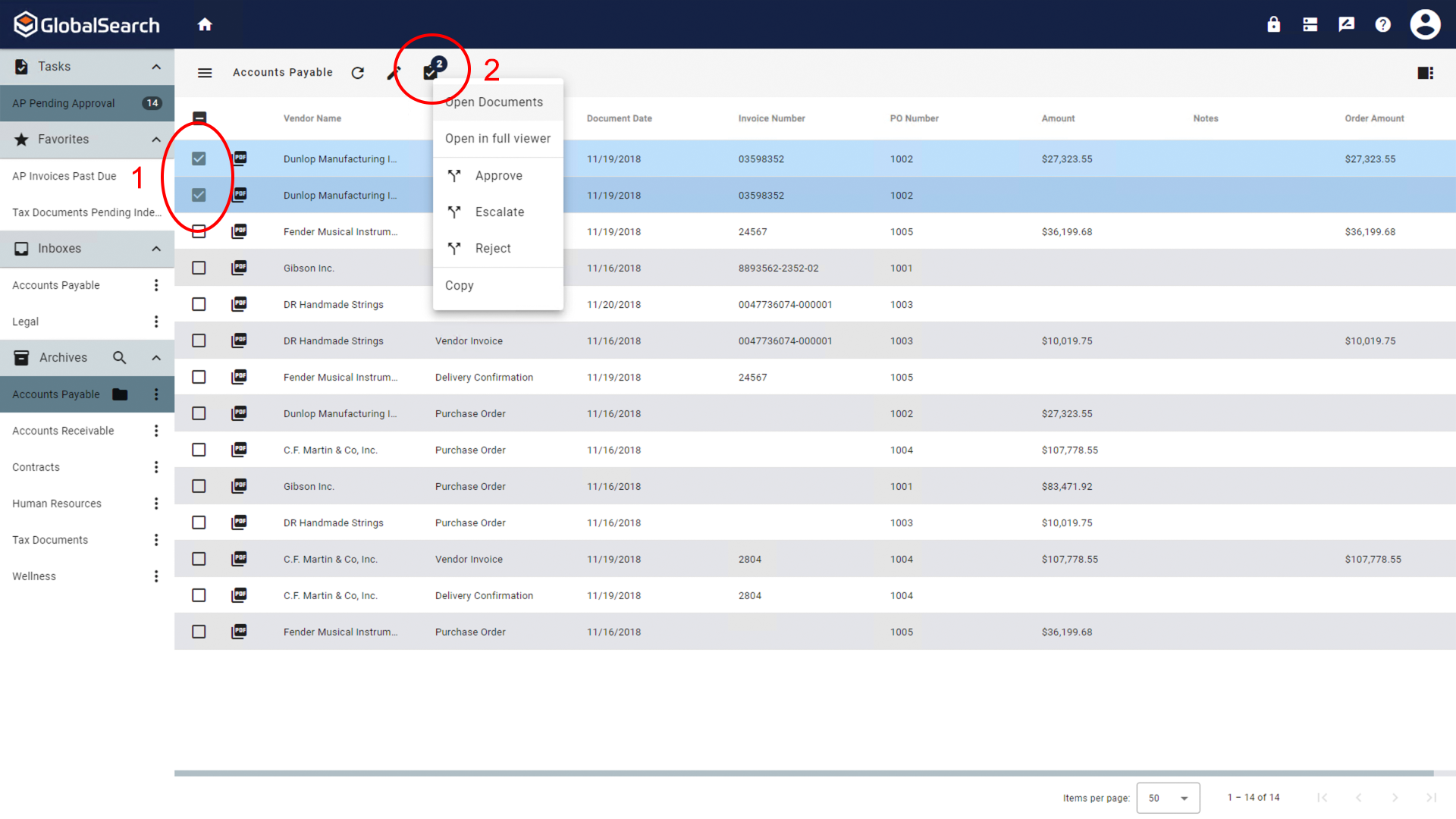
Select one or more documents to take the same action on and click the Actions (

-
The Action (
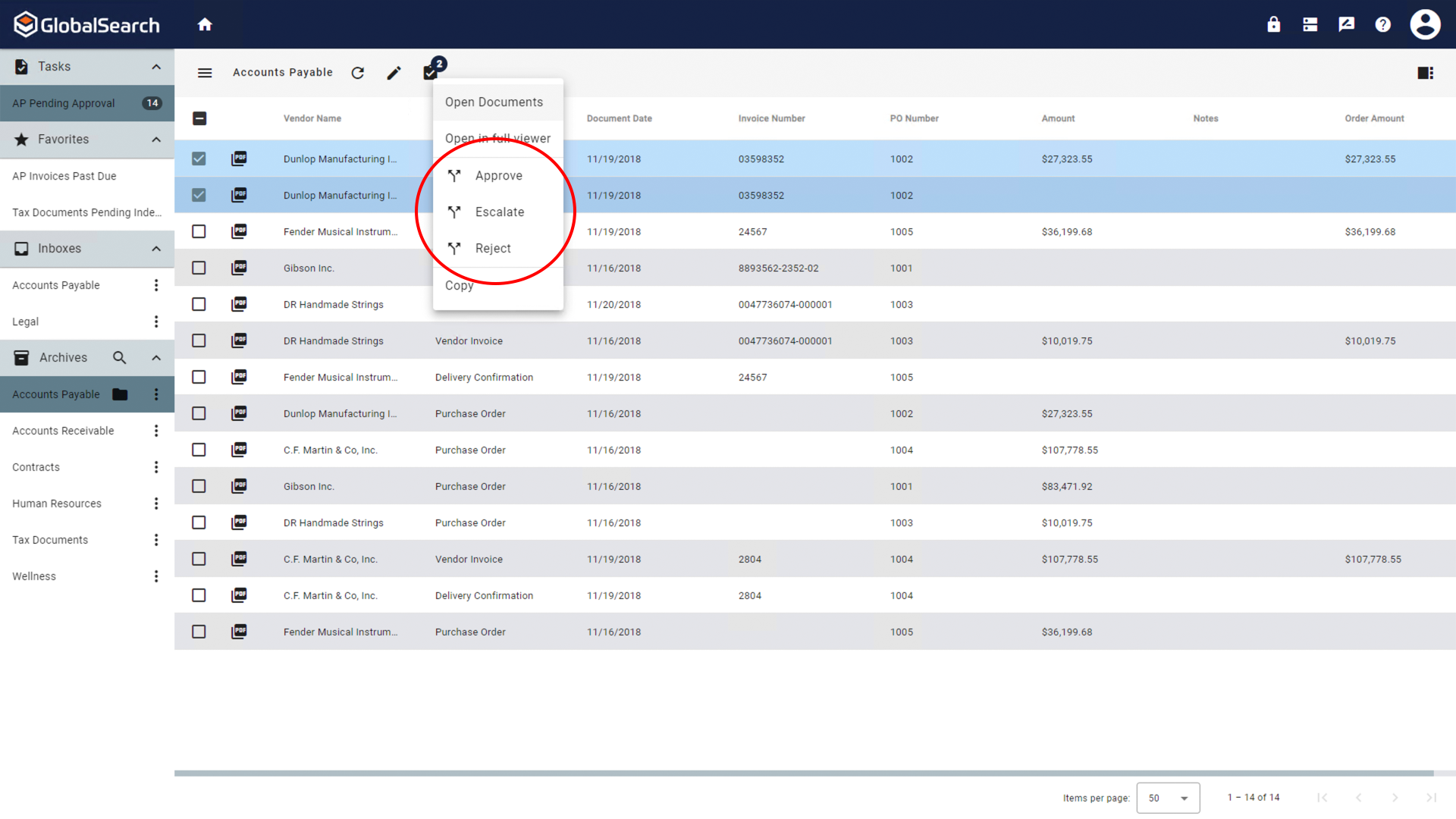
If more than one document is selected, all documents must be undergoing the same action.
Taking Action from the Document Viewer
-
To open in the Document Viewer:
-
If opening a single document, double-click on the document.
-
If opening one or more documents, select the desired documents and click on the actions menu.
-
From the Actions (
-
-
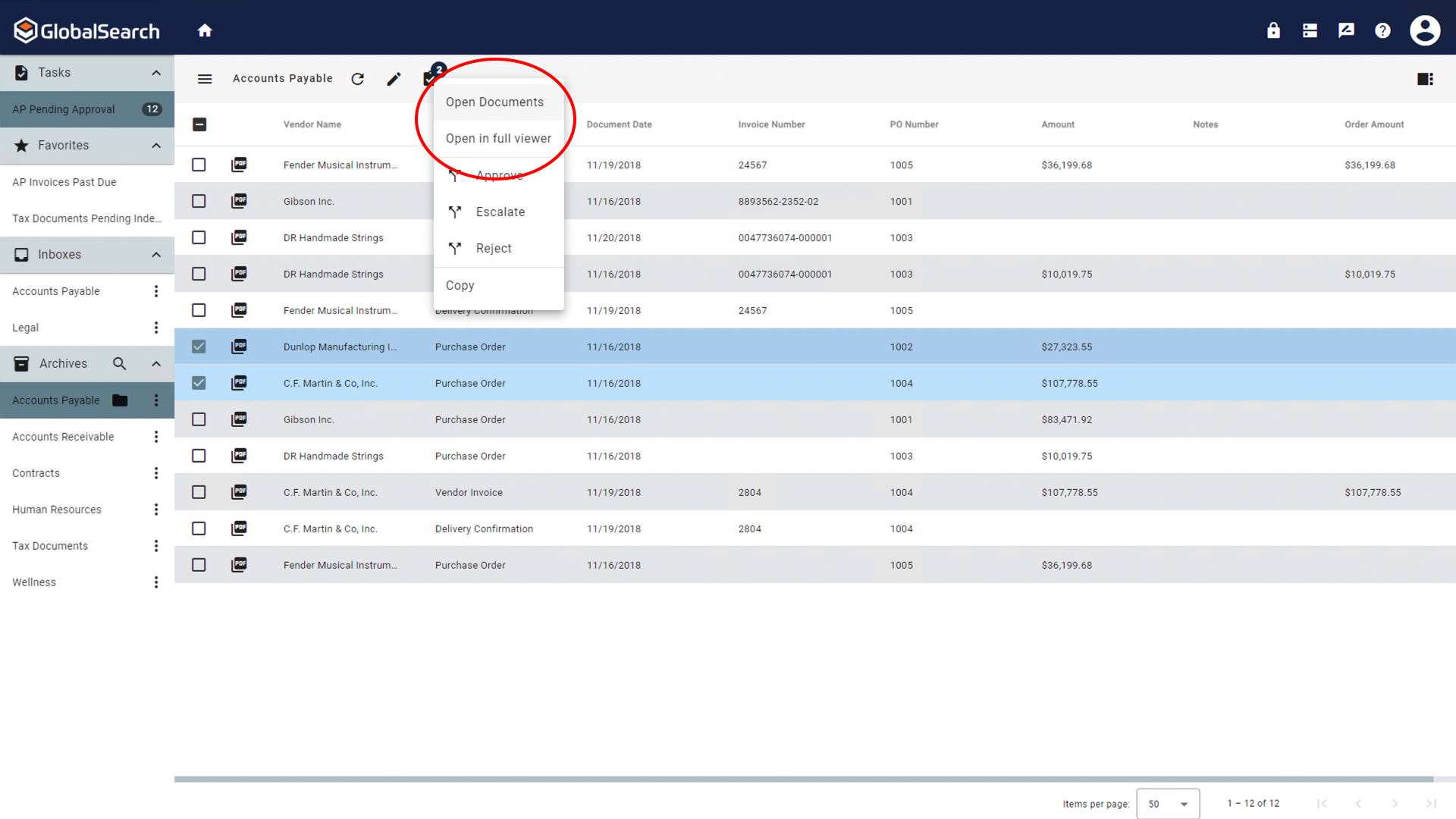
-
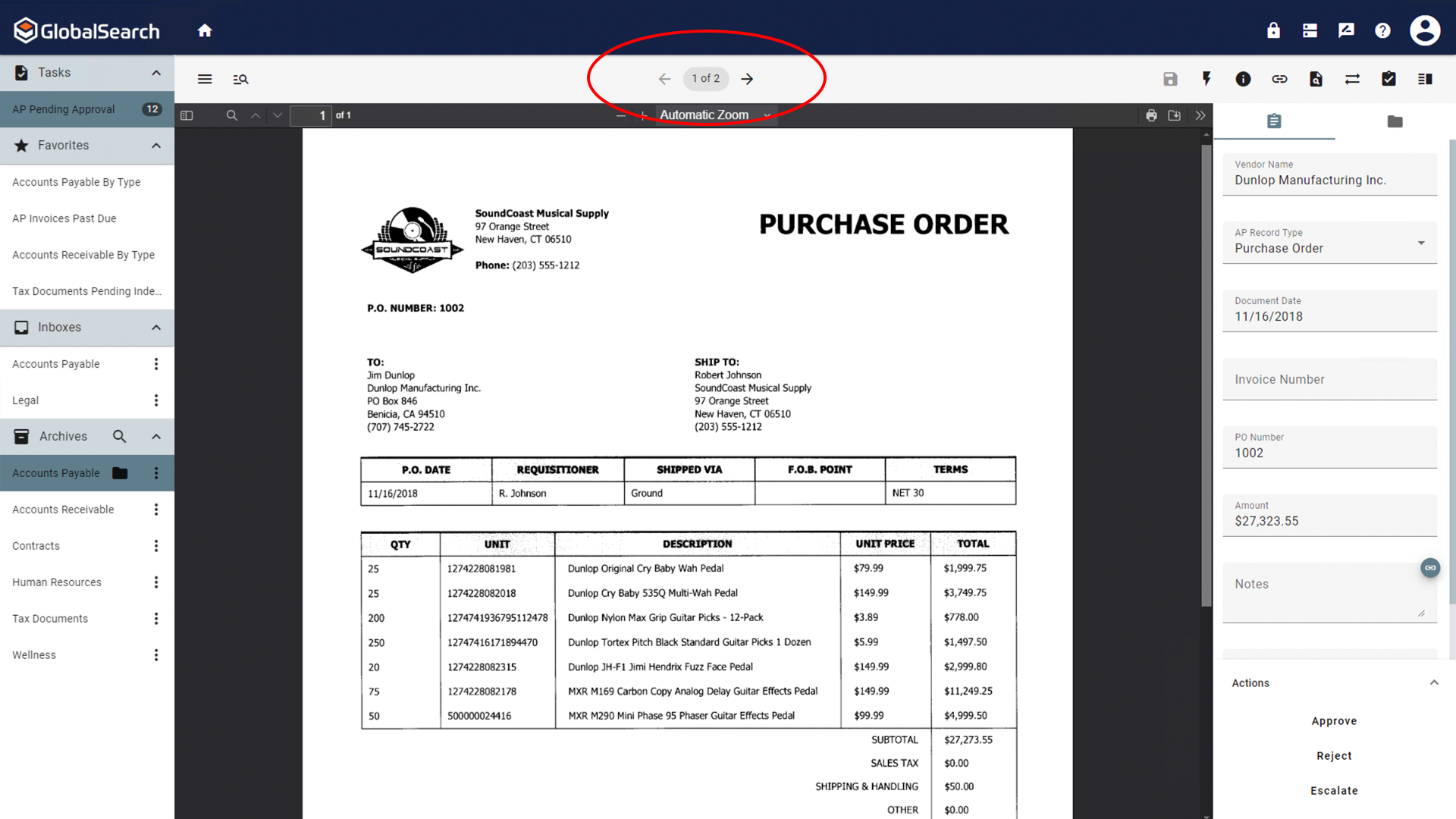
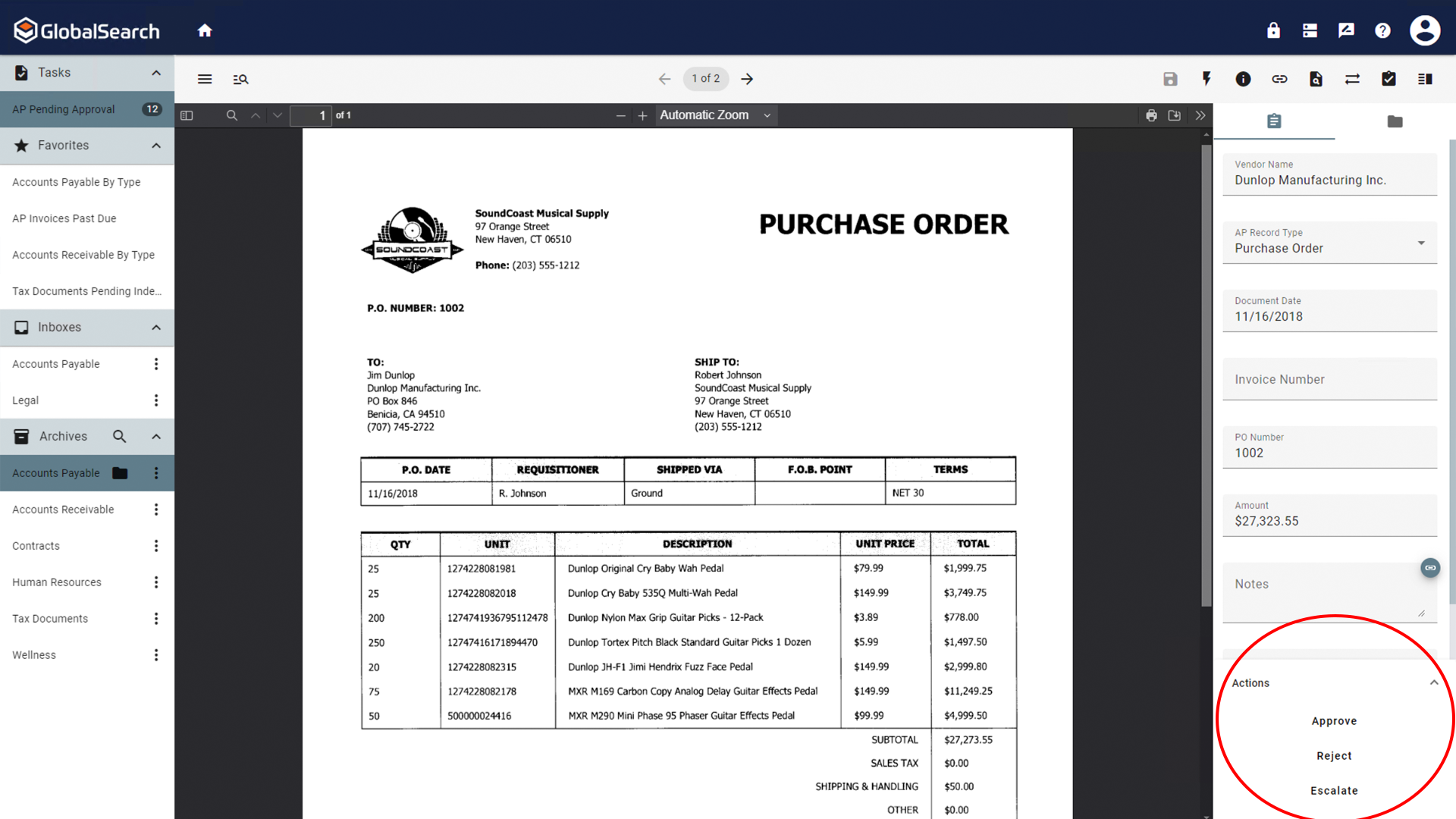
The available workflow actions will be visible at the bottom of the Indexer. Select the desired action.
-
If you opened multiple documents, you can navigate between the documents using the document selector in the Document Viewer Toolbar.