The QuickBooks Connections products from Square 9 integrate the power of GlobalSearch with the popular Intuit® QuickBooks® accounting software. You must have the optional module QuickBill, a desktop version of QuickBooks installed, and your Field Catalog configured for QuickBooks.
-
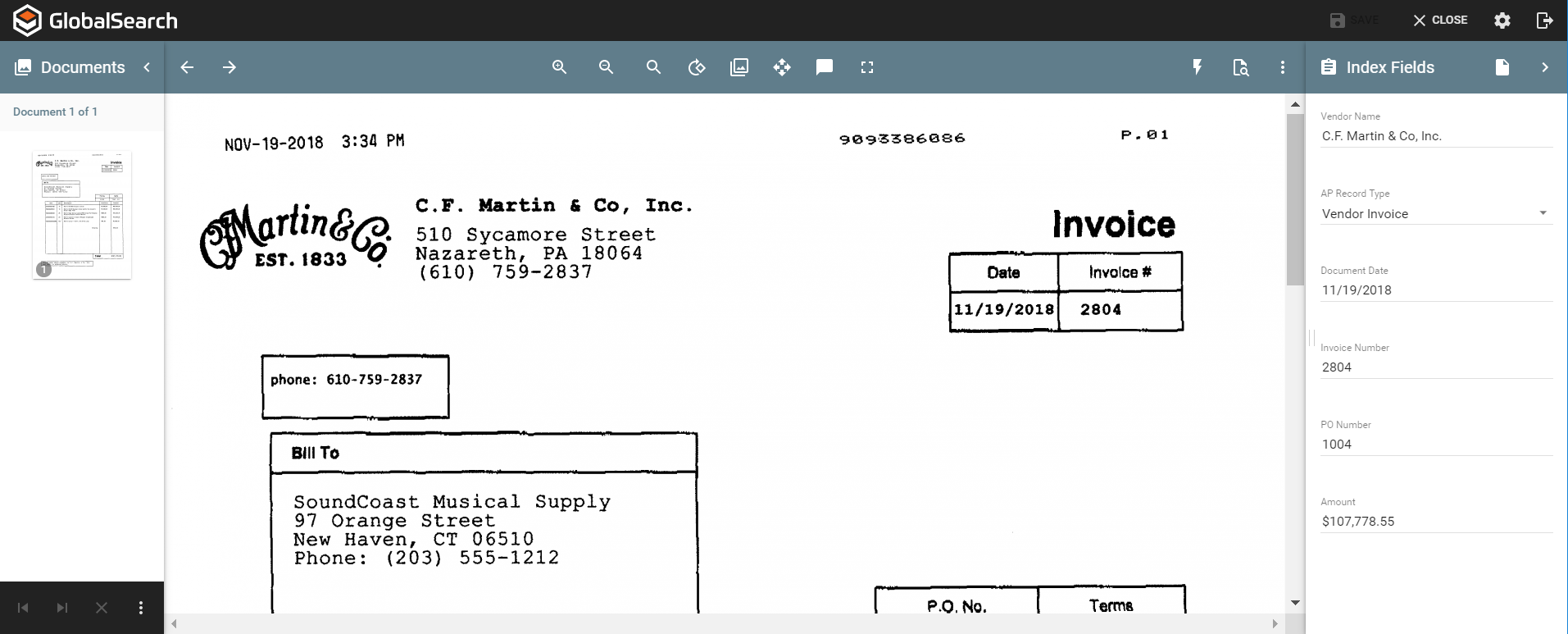
Run a Search, select a document, and open it in the Document Viewer.
-
-
Open a Company File in your local instance of QuickBooks and open a Transaction.
-
In GlobalSearch, open a document in the Document Viewer and enter information in the Fields.
In the Quickbooks Transaction Index Field, choose the Transaction appropriate for the document. (For example, if you are viewing a bill, select Bill, etc. -
Click Save Changes.
-
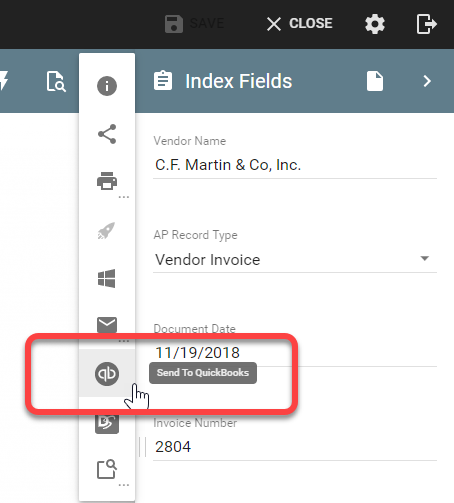
Click the ellipses in the upper right corner of the toolbar to expose the Actions menu

-
Click Actions in the toolbar and select Send to QuickBooks