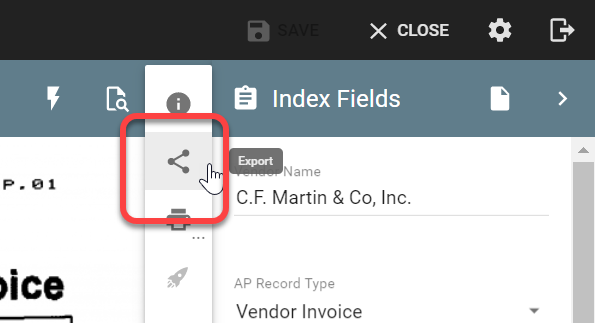
While GlobalSearch supports the bulk exporting of data and documents through is IO Extension, there are times when only a singe record is required. This can typically handled most efficiently by exporting it via the Document Vidier
-
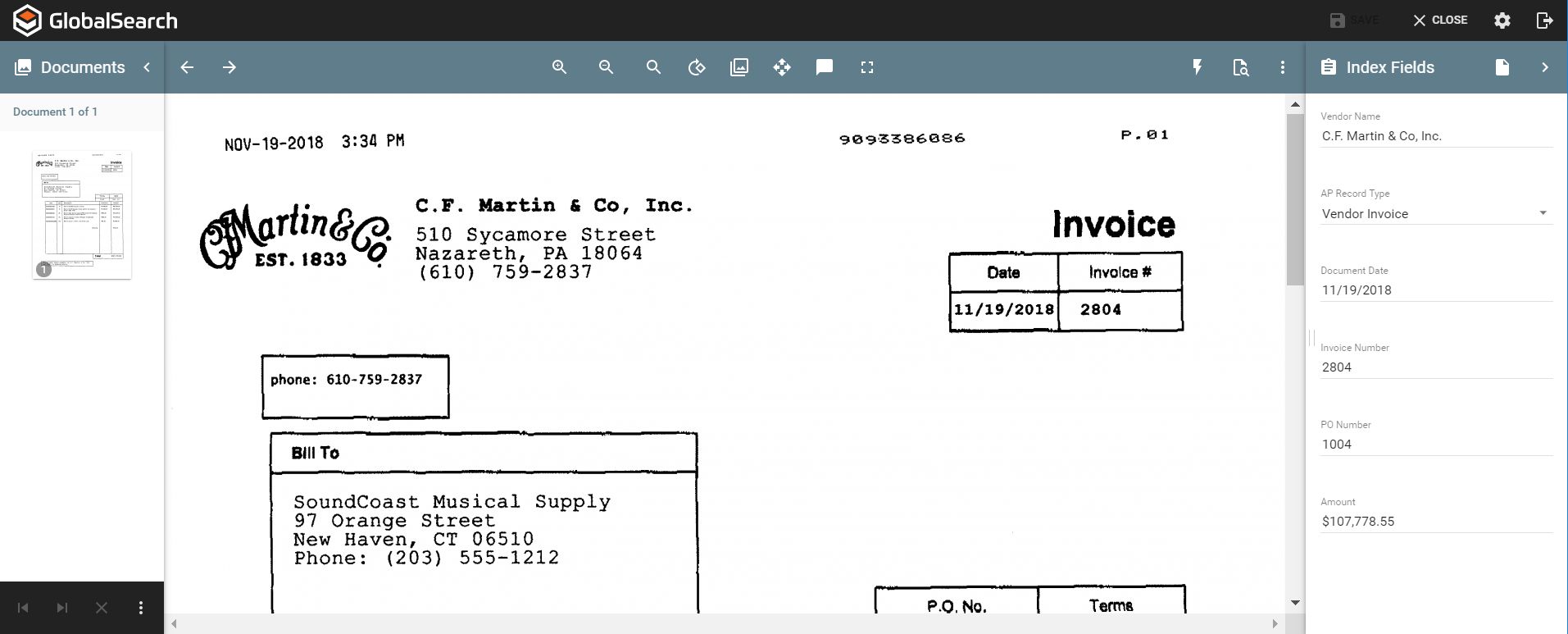
Select a document and open in the GlobalSearch Document Viewer
-
Click the ellipses on the upper right of the Document Viewer Toolbar.

-
Select the Export Icon and the document will be added to your default downloads folder.