
You can print documents and their indexing data to a printer, fax machine, or to a PDF file from the Document Viewer, with the Launch extension enabled. The exact printer settings and behavior will depend upon your browser application and printer setup.
Print Documents
-
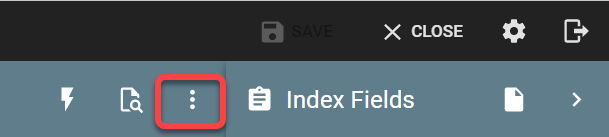
To print the document from the Document Viewer, click on the ellipses on the upper right of the toolbar to expose the Actions menu
-
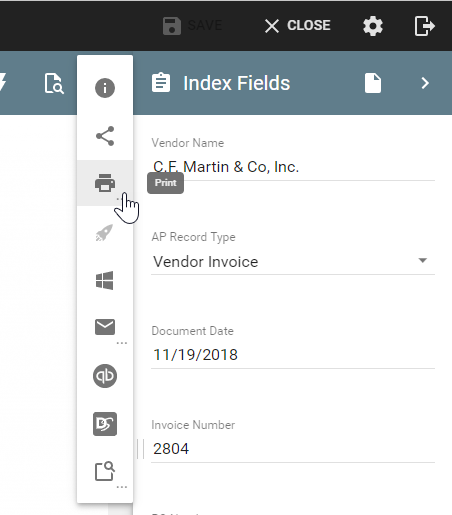
Select Print. from the available options.
-
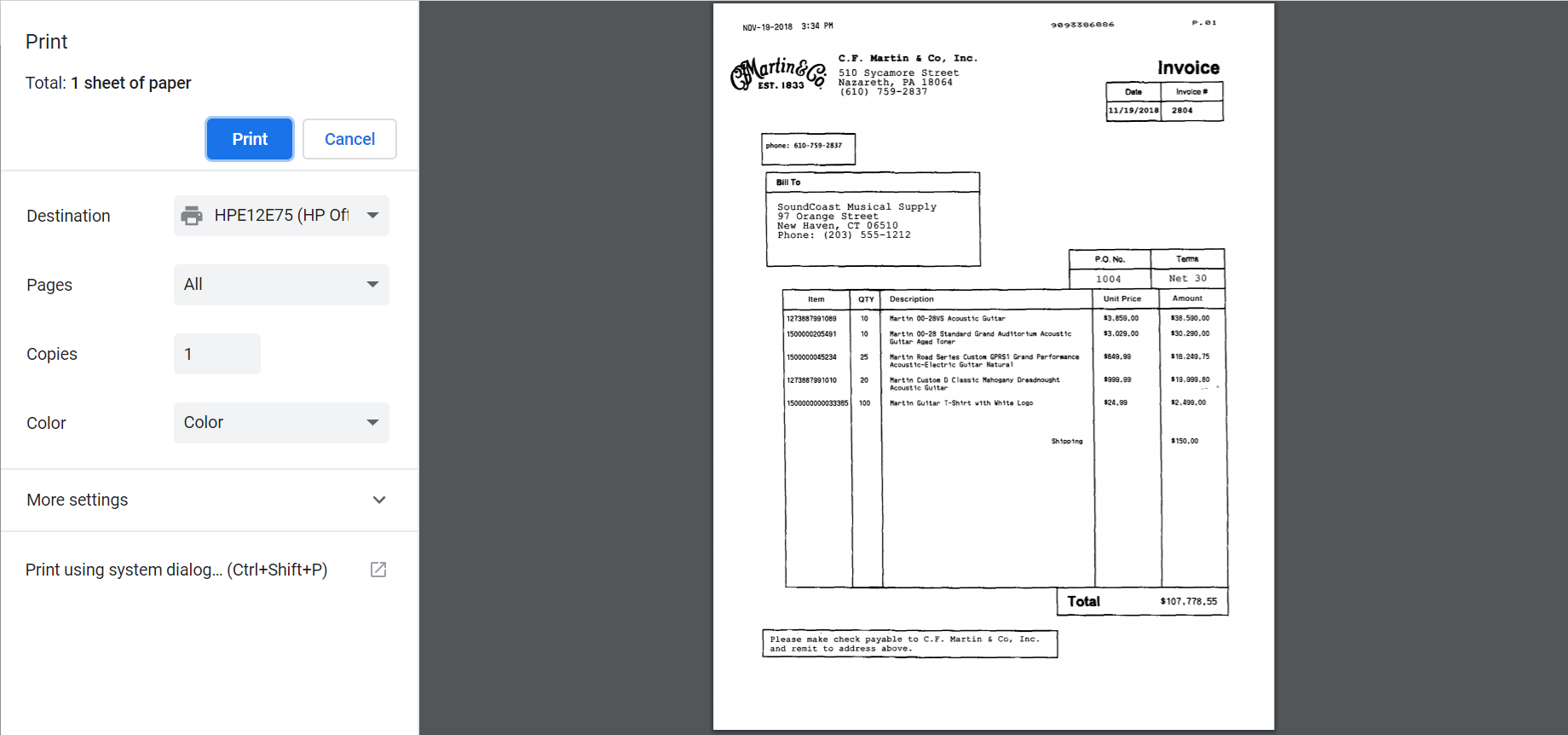
If you have the Launch extension enabled, from the printer dialog box, select printer settings (settings may vary, depending on the application you select), and click Print.
-
If you do not have Launch on, a PDF of the document will appear in a new tab on your browser, click Print and then use your browser’s printing feature to print the document (settings may vary).