When you are indexing a document, you might come across Multi-Value Fields. A Multi-Value Field is an Index Field where a list of discrete values can be entered.
Document Viewer
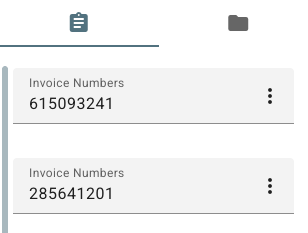
When indexing a document in the document viewer, an multi-value field is indicated with an Ellipsis in the text input box.
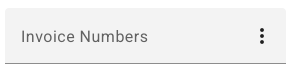
The Ellipsis ( 
-
Insert Above - Adds a row above the selected row.
-
Insert Below - Adds a row below the selected row.
-
Delete - Deletes the selected row and any data in that row.

Search Results View
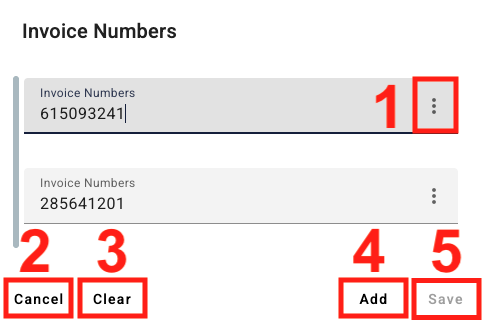
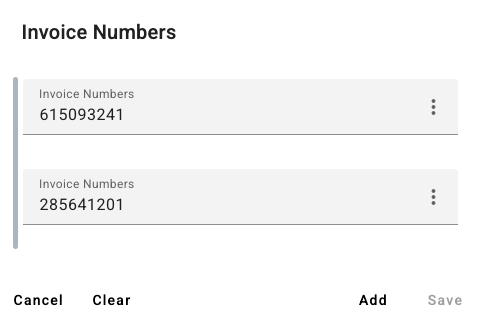
When indexing a document from the Search Results View, a Multi-Value field is indicated by the Multi-Value Field icon ( 
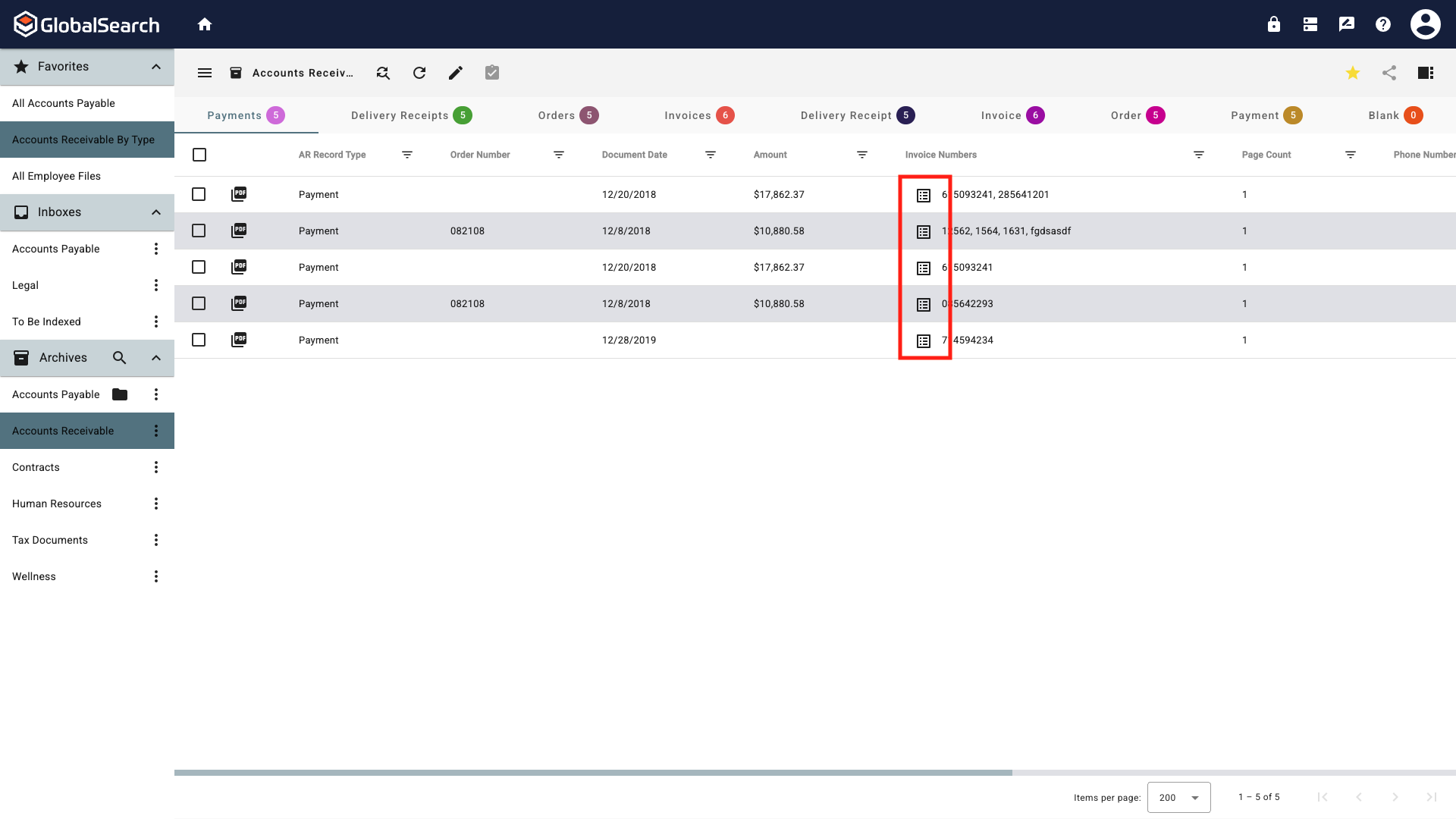
-
Ellipsis (
-
Insert Above - Adds a row above the selected row.
-
Insert Below - Adds a row below the selected row.
-
Delete - Deletes the selected row and any data in that row.
-
-
Cancel - Close the Multi-Value Field Window.
-
Clear - Clears all values in the field.
-
Add - Adds a new field to the bottom of the list.
-
Save - Save the values without closing the window.