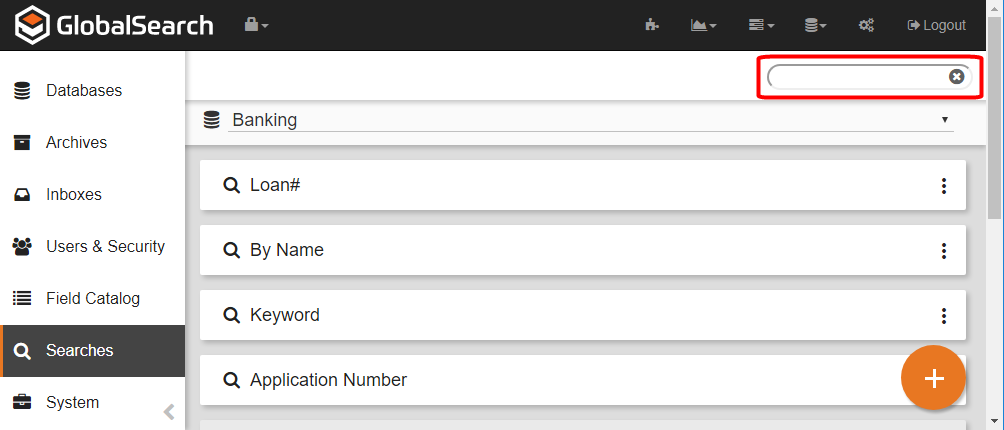
Customers with large numbers of searches on an Archive may find it useful to filter the list of search. This will allow you to focus the viewable Searches down to specifically what you are looking for.
-
To filter the list, from the Searches toolbar, in the vertical Administration menu, select Searches.
-
On the toolbar, click the Searches (