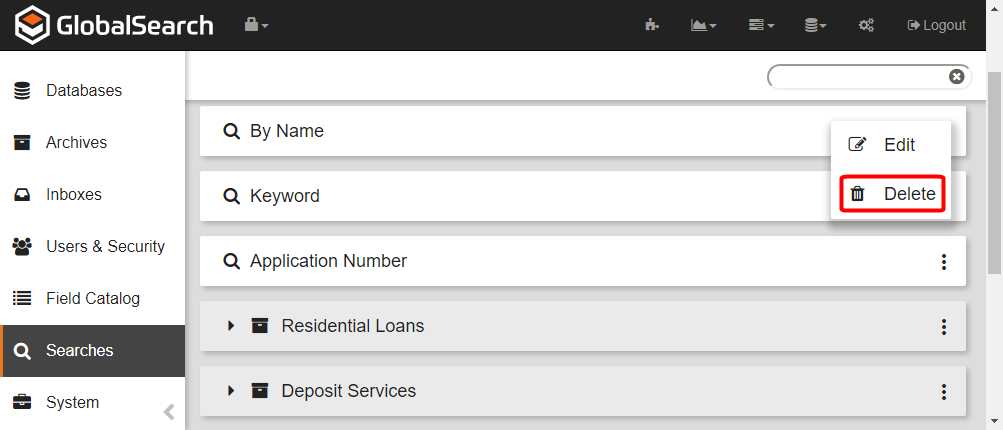
Deleting a Search removes it permanently. Deleting a search DOES NOT delete any user related data or documents, but may prevent users from being able to access the data if there are no other searches defined.
-
To delete a Search, on the GlobalSearch toolbar, click on the Administration (

-
In the vertical Administration menu, select Searches.
-
Click the More Options (

-
Click Delete.