You can change the name of a database which users see in the interface. Renaming the database changes the display name, not the names of the SQL files. You can review a list of connection strings in c:\inetpub/wwwroot/getsmart/web.config on the GlobalSearch server. The Initial Catalog entry refers to the database name in SQL Server, while the "name" is what it is called in GlobalSearch.
-
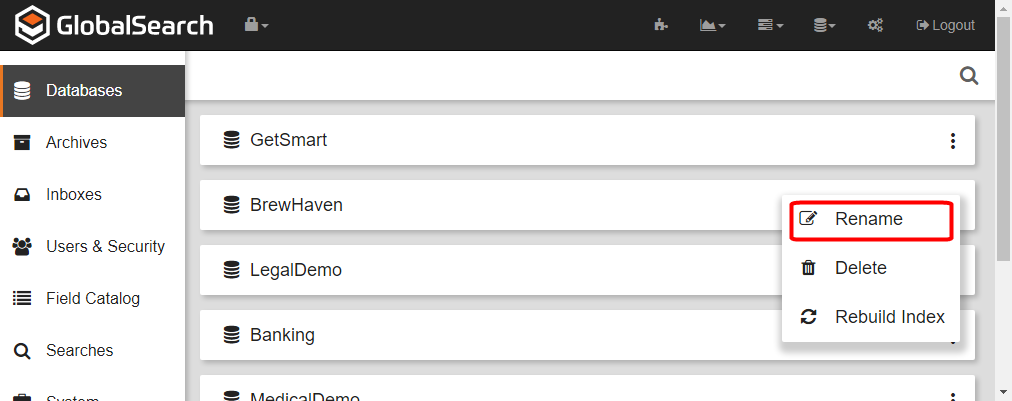
To rename a database, click the More Options icon in the selected database bar.
-
Click Rename.
-
The database name text becomes enabled. Enter a new name for the database.
-
Click the Save (checkmark) to save the new name or click the Cancel (X) icon to cancel the change in name.