-
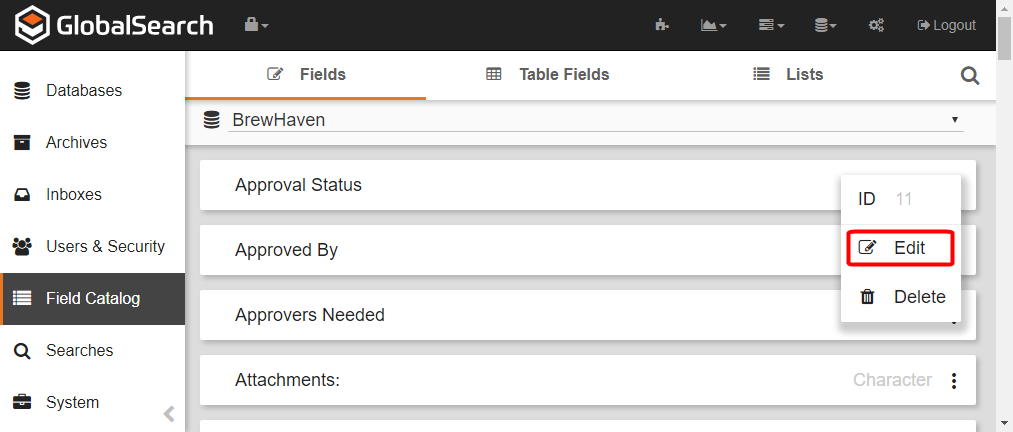
To edit a Field, on the GlobalSearch toolbar, in the Administration menu, select Administration.
-
In the vertical Administration menu, select Field Catalog.
-
Select Fields on the Field Catalog toolbar.
-
Click the More Options (

-
Make changes in the Field Editor as described in the Create Fields page.
-
Click Save.