
-
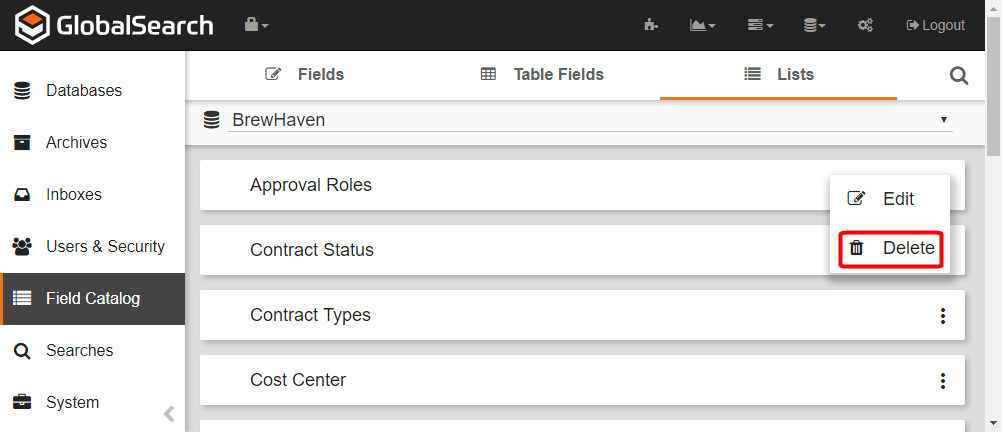
To delete a List, on the Field Catalog toolbar, click Lists. A list of Lists in the database will appear.
-
Click the More Options (

-
Click Delete.
-
Because this will permanently delete the List, you must enter the displayed text in the Verification text box to proceed.
-
Click Delete.
Deleting a list is a permanent action and cannot be reversed. While deleting a list will not delete any data saved on documents indexed using the list, deleting lists and list value may impact the ability to search for those records.