Creating Users
Usernames like admin, user and manager are reserved
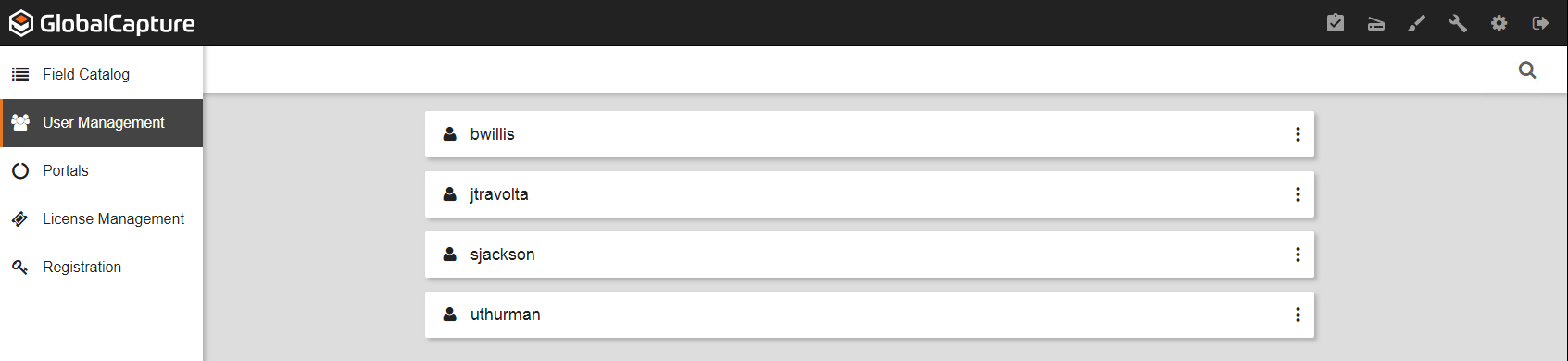
To create users for GlobalForms 10 you first need to navigate to the GlobalCapture User Management Interface.
-
Log in to GlobalCapture using your server's user (http://servername/square9captureweb/index.html) and select the


-
On the bottom right of the screen click on the

-
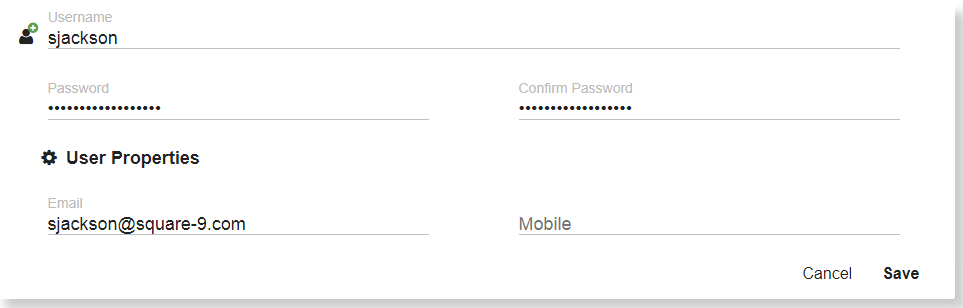
In the window that comes up enter the user details for that particular user and then click on Save
-
Your users will appear in a list as shown below