
Overview
If you want to override the default look and feel of a GlobalForm, there are several themes and options which can be applied.
Hiding the Header Bar
If you want to hide the GlobalForms header bar, you can do so by specifying it in your URL as follows:
https://globalforms.mycompany.com:5454/view/#!/form/formid?header=0
Applying a Theme
To do so, simply specify the theme to your URL. For example:
https://globalforms.mycompany.com:5454/view/#!/form/formid?theme=NAMEOFTHEME
If you wanted to hide the header bar as well, you can add that option as well.
https://globalforms.mycompany.com:5454/view/#!/form/formid?theme=NAMEOFTHEME&header=0
Available Themes
A wide variety of themes are available for GlobalForms, visit the Bootswatch website for more information.
Examples
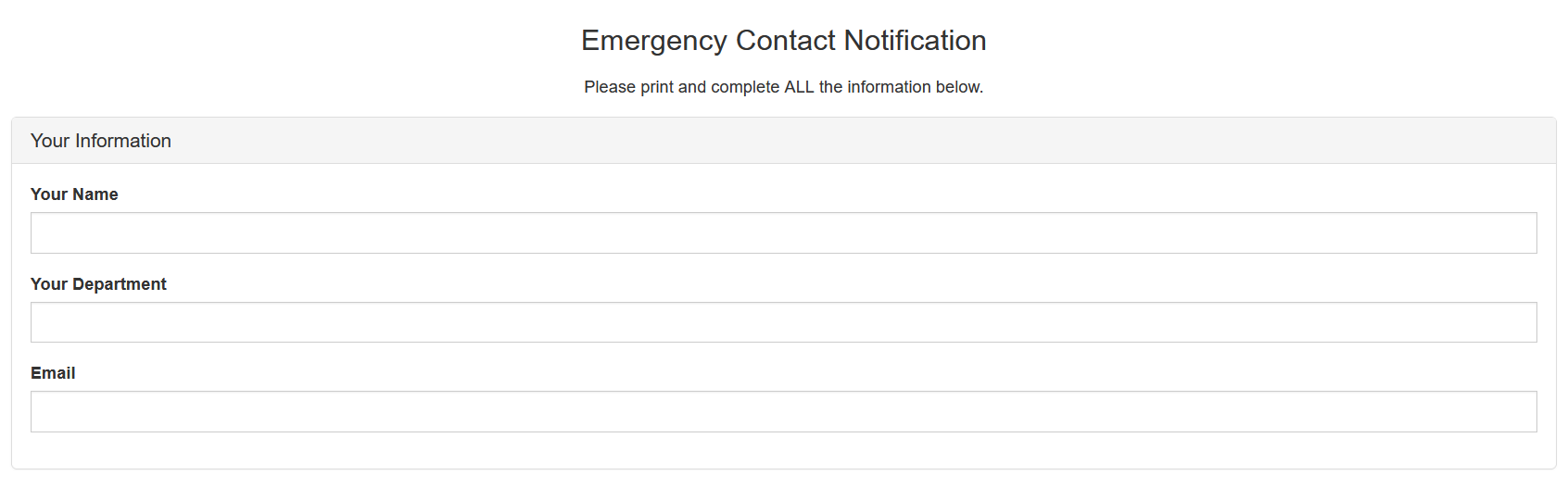
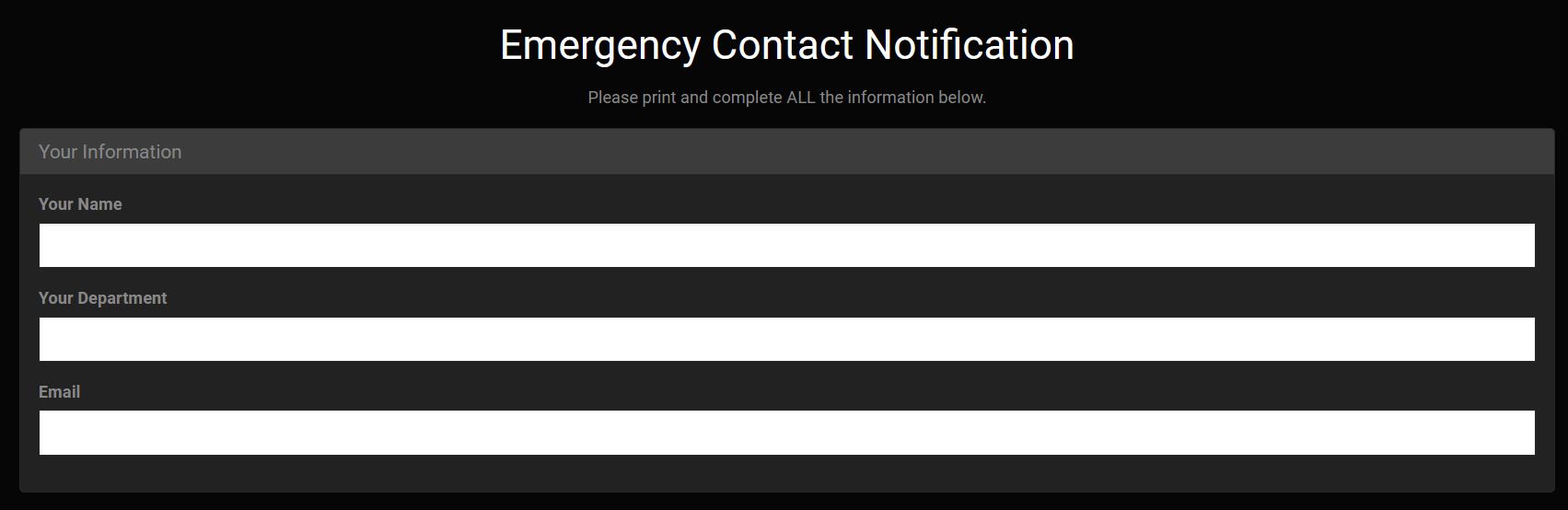
Below are a few examples of how theming can affect your form’s look and feel:
Default
Cyborg
United
https://globalforms.mycompany.com:5454/view/#!/form/formid?theme=united
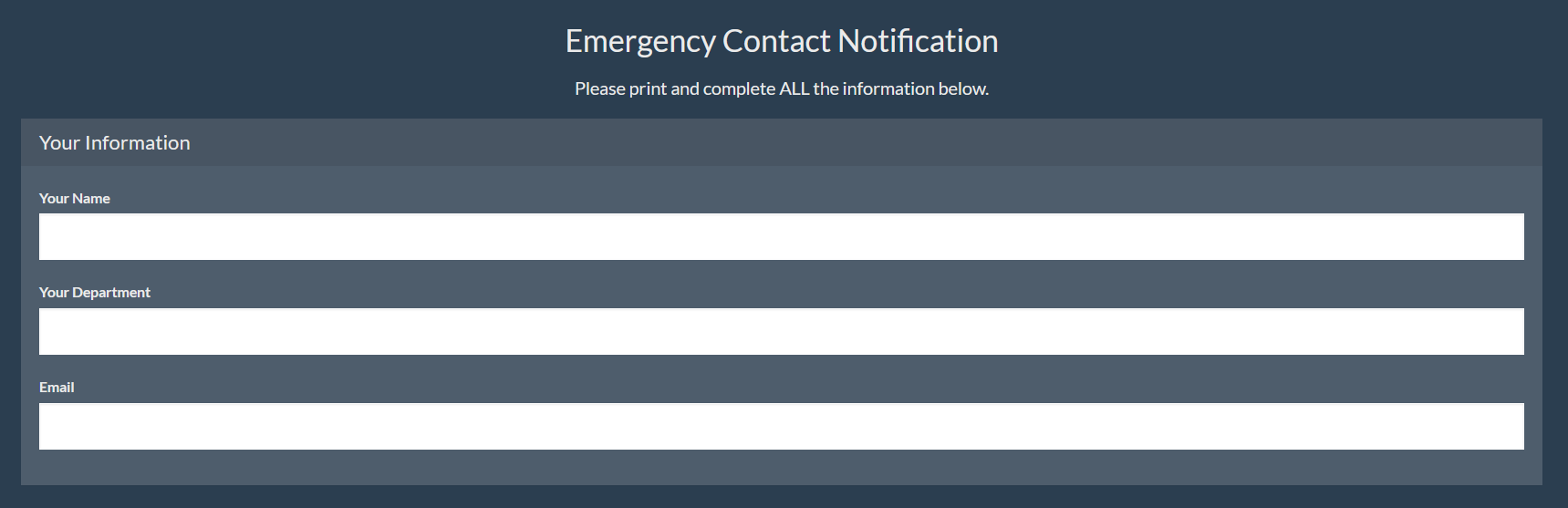
https://globalforms.mycompany.com:5454/view/#!/form/formid?theme=superhero
Cerulean
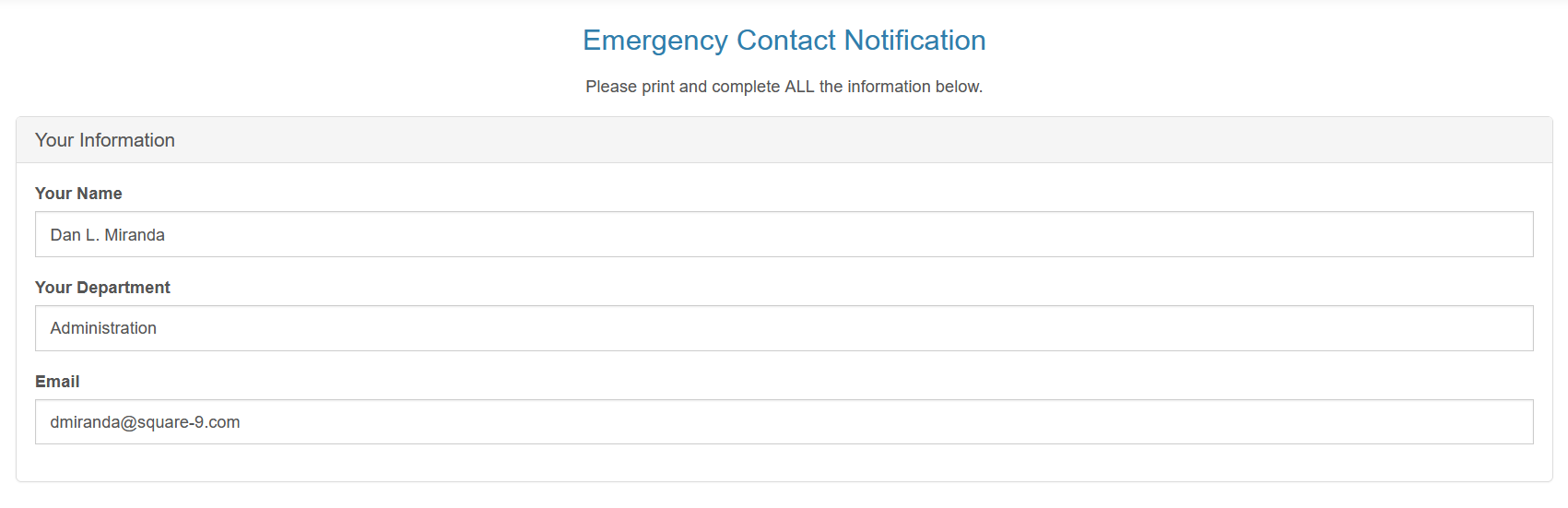
https://globalforms.mycompany.com:5454/view/#!/form/formid?theme=cerulean
Readable
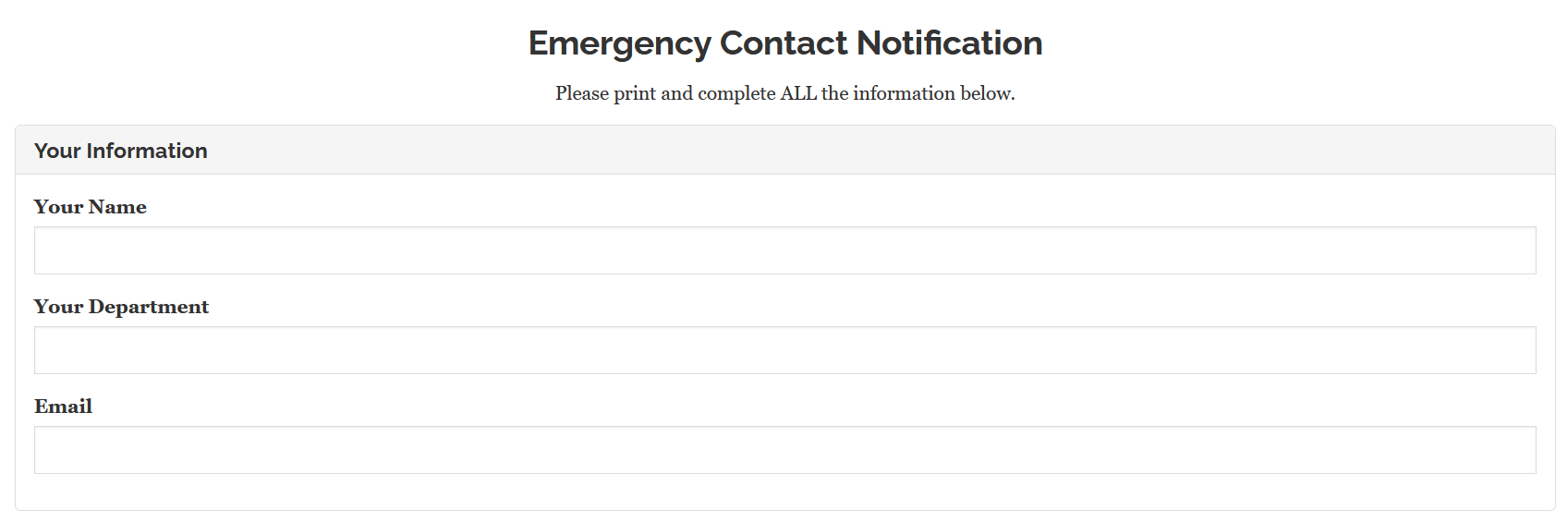
https://globalforms.mycompany.com:5454/view/#!/form/formid?theme=readable
Yeti
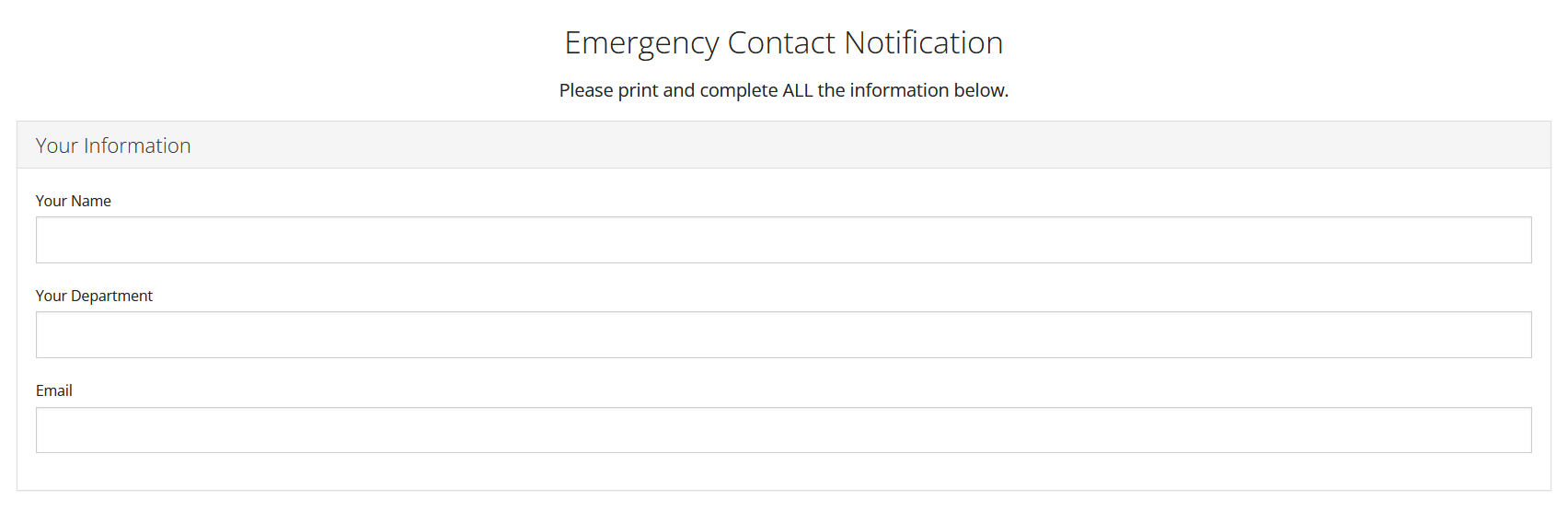
https://globalforms.mycompany.com:5454/view/#!/form/formid?theme=yeti
Flatly
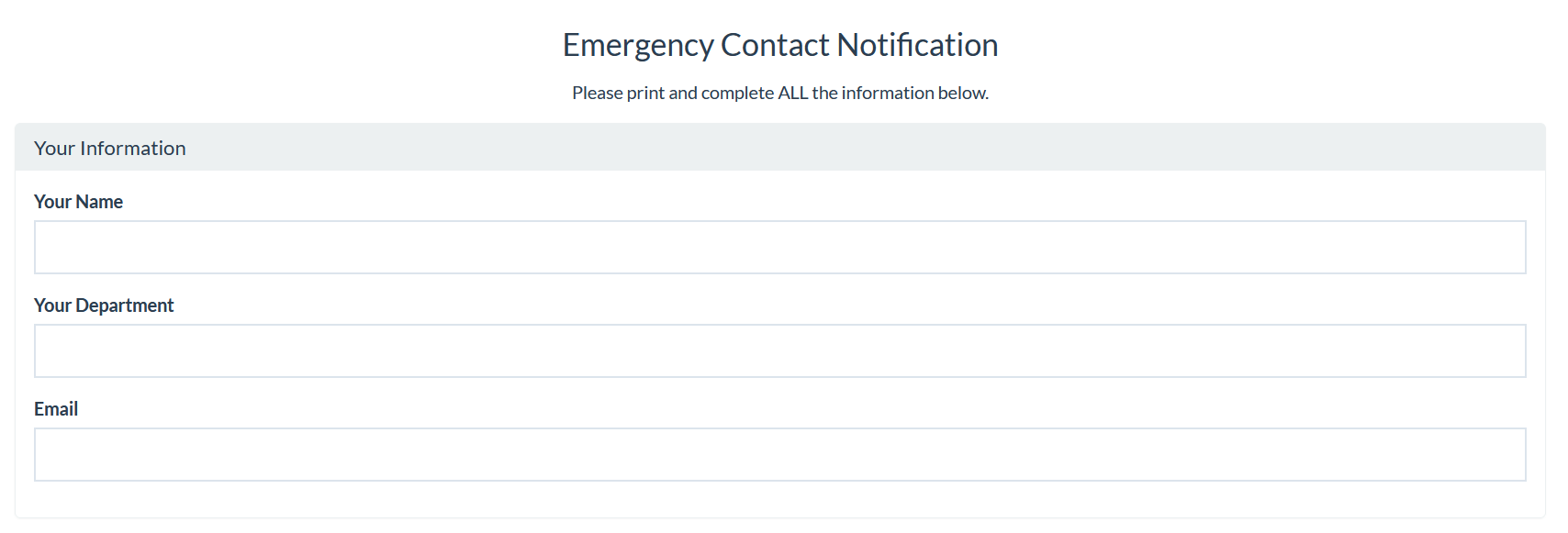
https://globalforms.mycompany.com:5454/view/#!/form/formid?theme=flatly
Darkly
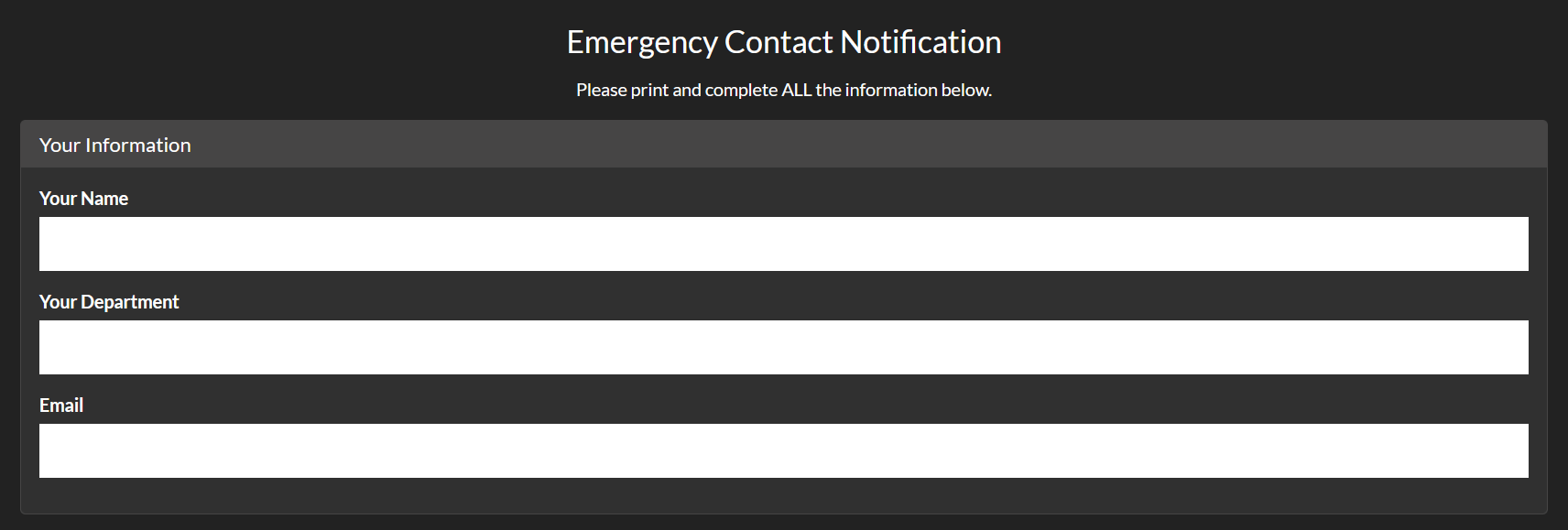
https://globalforms.mycompany.com:5454/view/#!/form/formid?theme=darkly