
The submission list in GlobalForms 10 has been updated to make searching and browsing large sets of submissions faster and smoother.
Largely a feature used by GlobalForms administrators, submissions are available from the View Data tab on any form in the form designer.
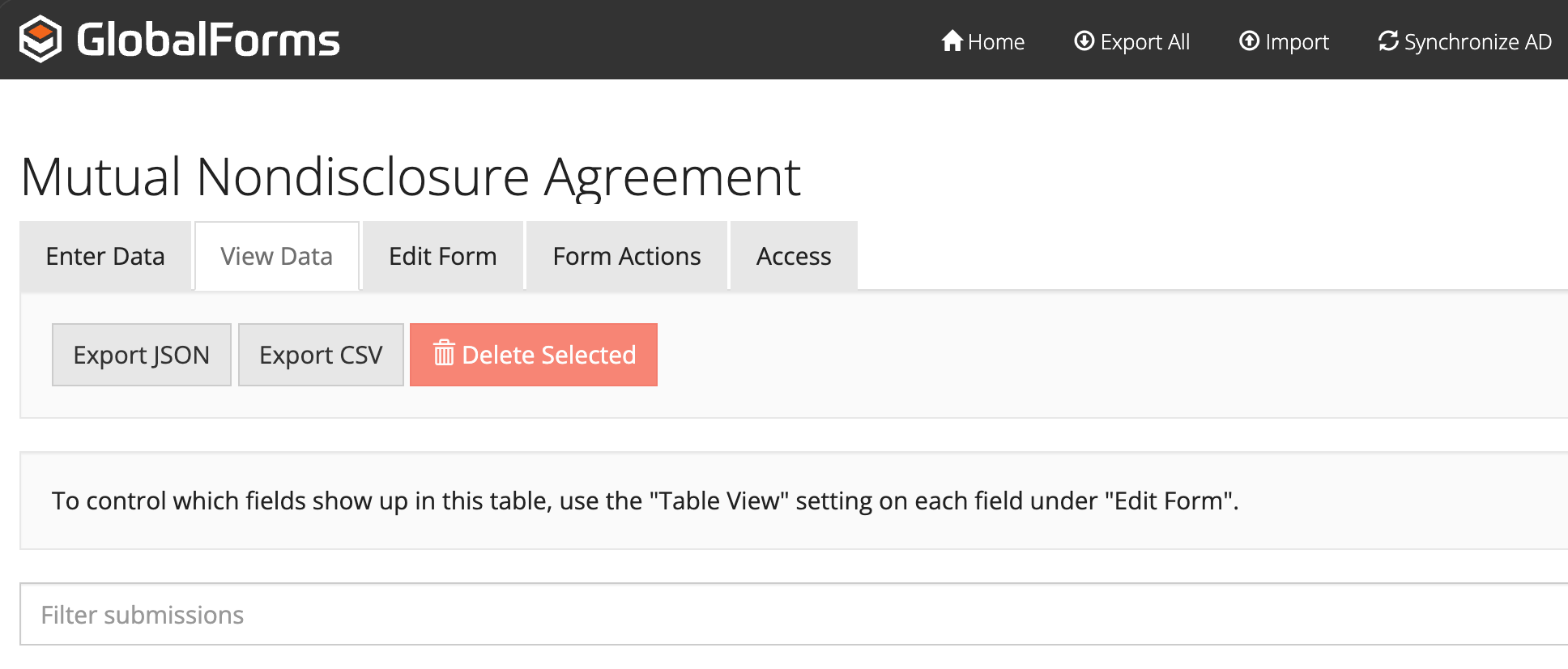
What’s New
-
The list now loads submissions page by page, so it responds quickly even when there are thousands of entries.
-
You can choose how many submissions to show at once (25 by default).
-
The search box now looks through submission IDs and all submitted values.
-
Searches wait briefly before running so you don’t trigger a request with every keystroke.
-
Clearing the search box refreshes the list and returns you to the first page.
How It Works for You
-
Typing quickly won’t slow things down — the system waits a moment before searching.
-
Changing the page size updates the list immediately.
-
Both search and pagination work across the entire submission set, not just what’s currently on screen.
-
You always see accurate page counts and totals.
Behind the Scenes (High‑Level)
-
The page loads submissions directly from the server in small chunks.
-
Searches are sent to the server only after a short pause.
-
The server returns just the matching results for the current page, along with the total count so the paging controls stay accurate.