
Forms can be shared using GlobalForms 10 Export and Import functionality.
Exporting a Form
You can export a form by selecting the “Export” option on the main menu. A .JSON file containing the form will be downloaded which can be shared between GlobalForms 10 instances.

Importing a Form
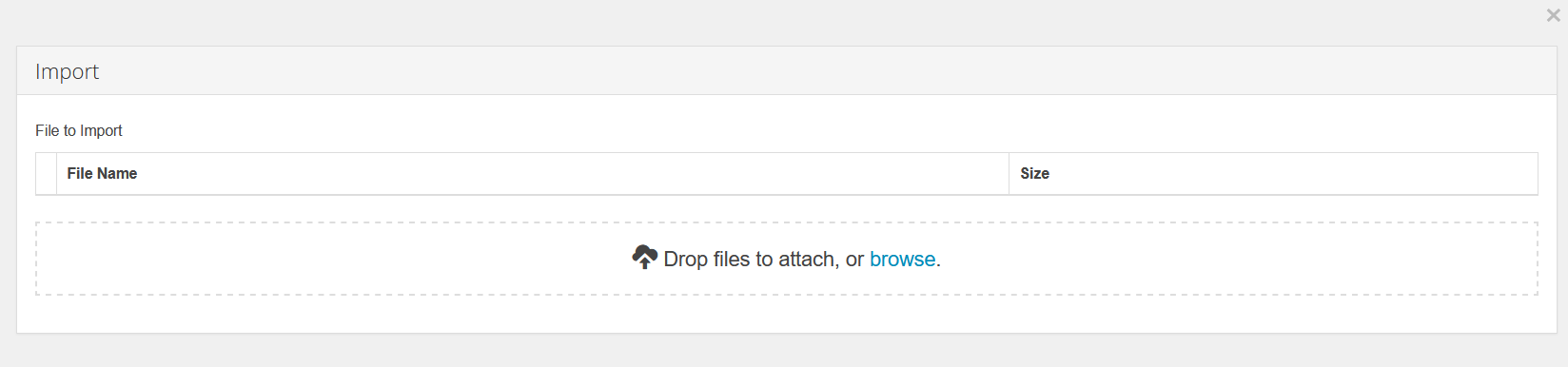
Importing forms in GlobalSearch is equally as easy can be done by using the “Import” option in the GlobalForms toolbar.

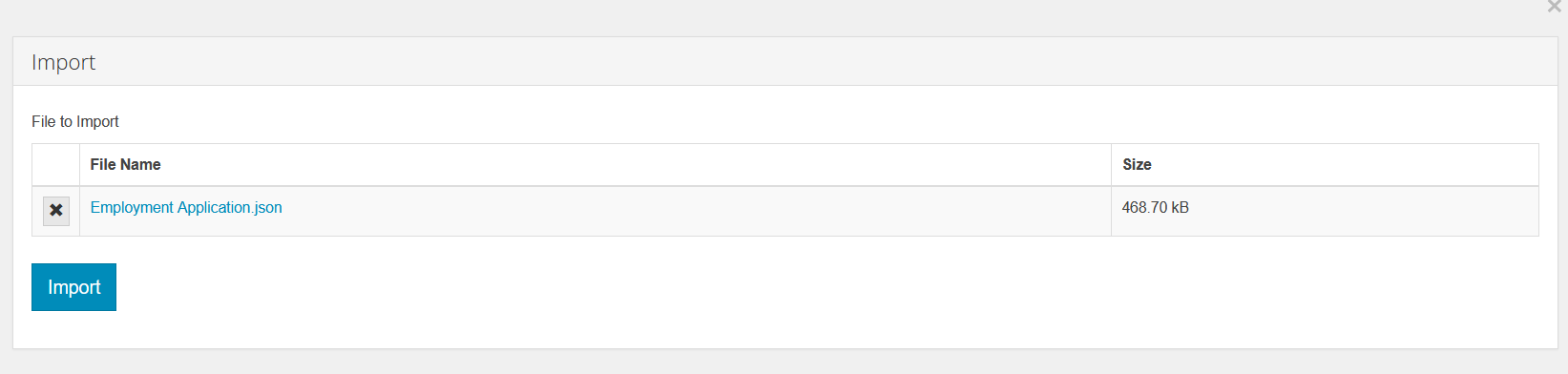
Once selected, browse to your downloaded forms and select one or more forms. Once selected, select import.
If the form you’re importing already exists, you can choose to skip the update, overwrite the form, merge or create a copy.