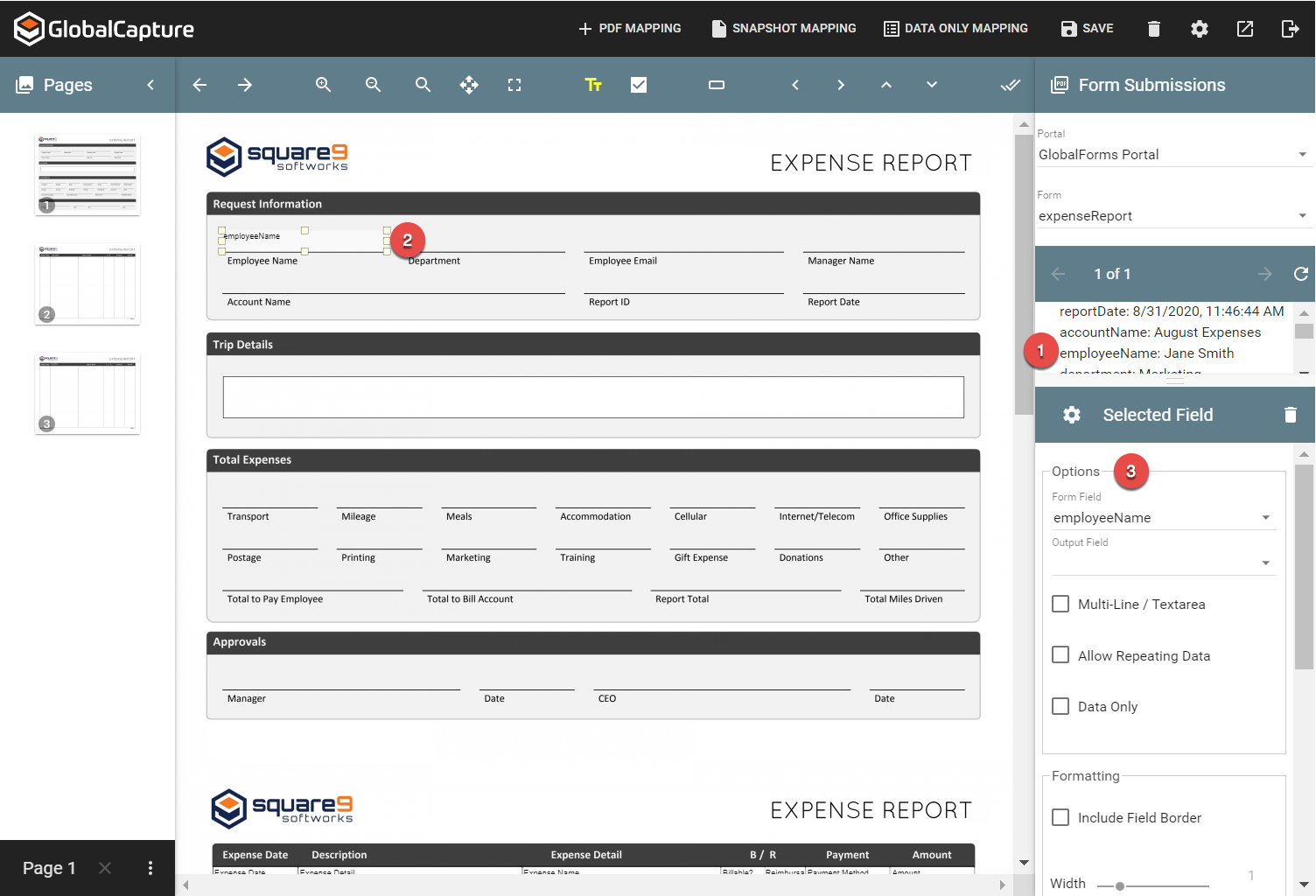
Any data capture component from a form can be mapped to a PDF. Drag and drop a component from the Submissions pane on the right side of the viewer onto the imported document in the main viewer window. A collection of options and settings will be available to control the output.
Mapping Steps
-
Select the component of interest from submission panel.
-
Drag and drop the component on the design surface.
-
Adjust any options for display.