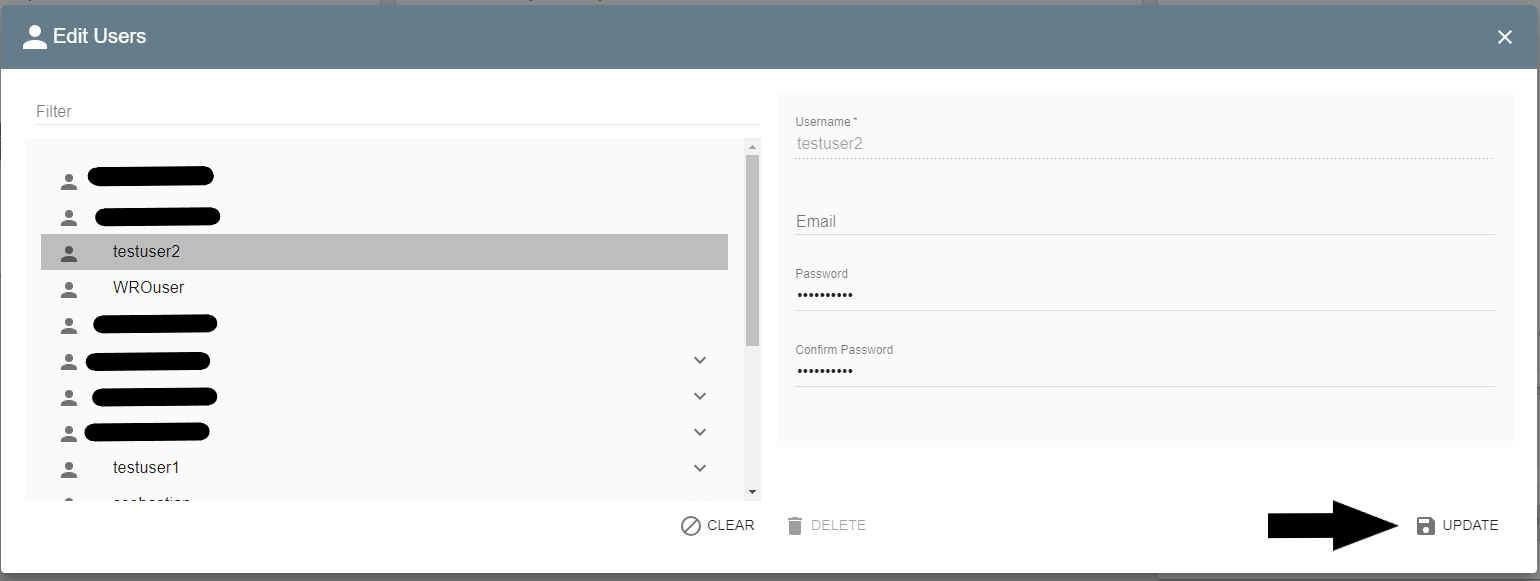
This article is for changing Square9 user passwords which are internal users for GlobalSearch. This is not for active directory user accounts. That is handled by your internal IT department.
-
Login as an administrator. If you are a cloud customer this is the Tenantadmin. If you are an on premise customer this is the SSAdministrator.
-
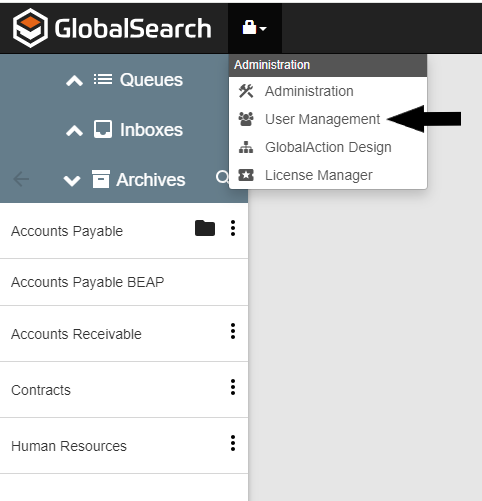
Select the lock icon and user management.
-
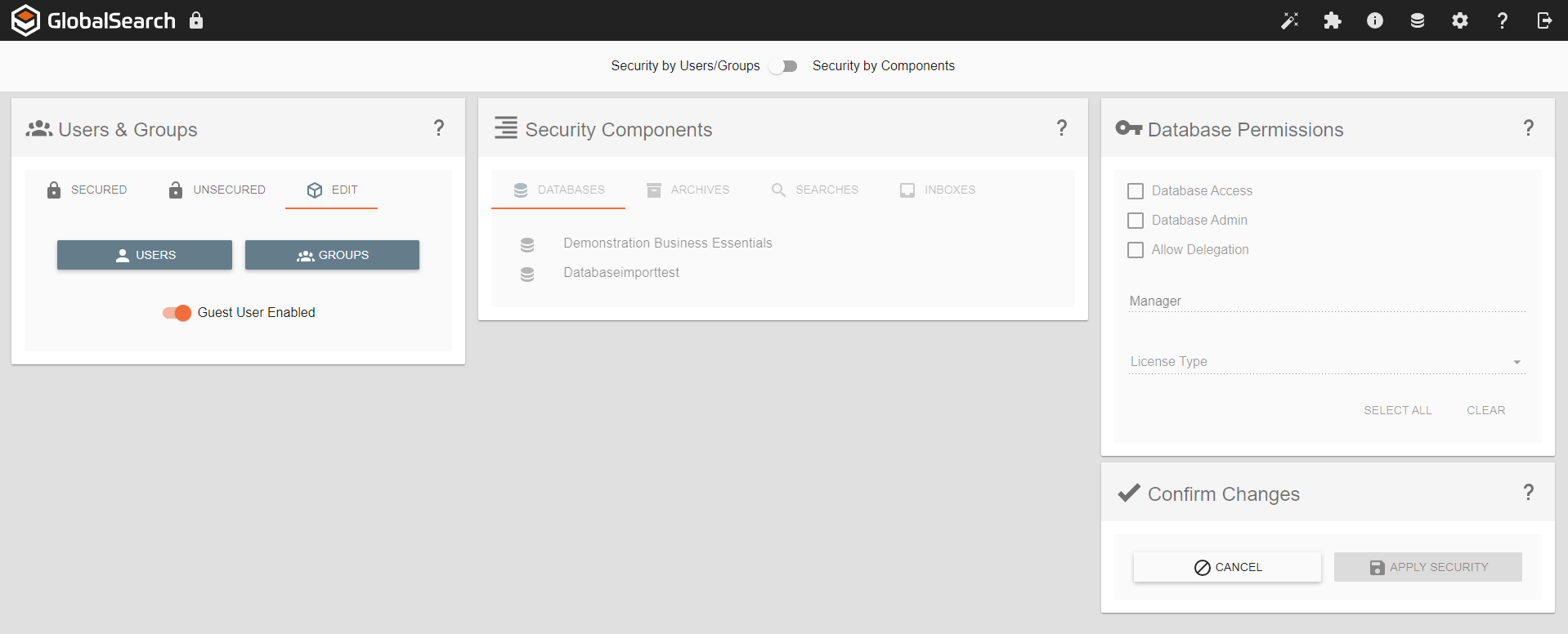
Go to the user edit section and click users.
-
Select the user and enter a new password for them. Click update. That users password is now updated.